
Legal Entity
Setting up a new legal entity in Dynamics 365 Finance & Operations is the foundational step for structuring your organization’s financial and operational framework. Whether you are expanding business into a new territory, restructuring corporate divisions, or setting up a dedicated entity for testing, configuring a legal entity correctly ensures seamless ledger integration, tax compliance, and cross-company data sharing.
This is how you can create a basic configuration of Legal entity 👇
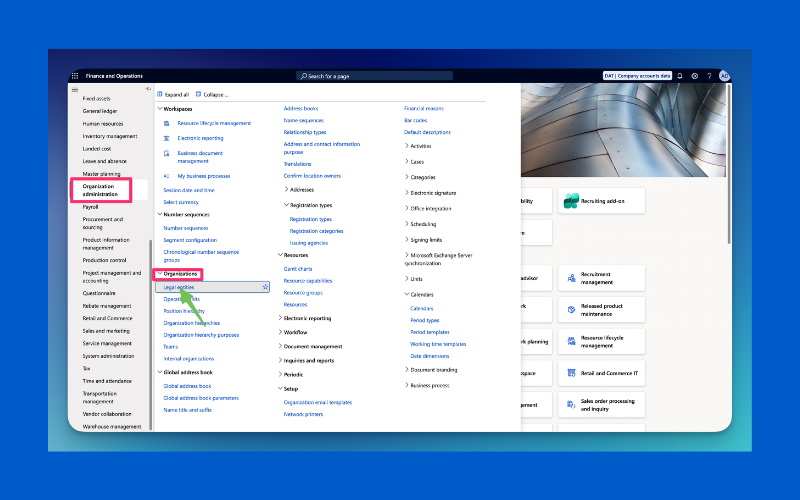
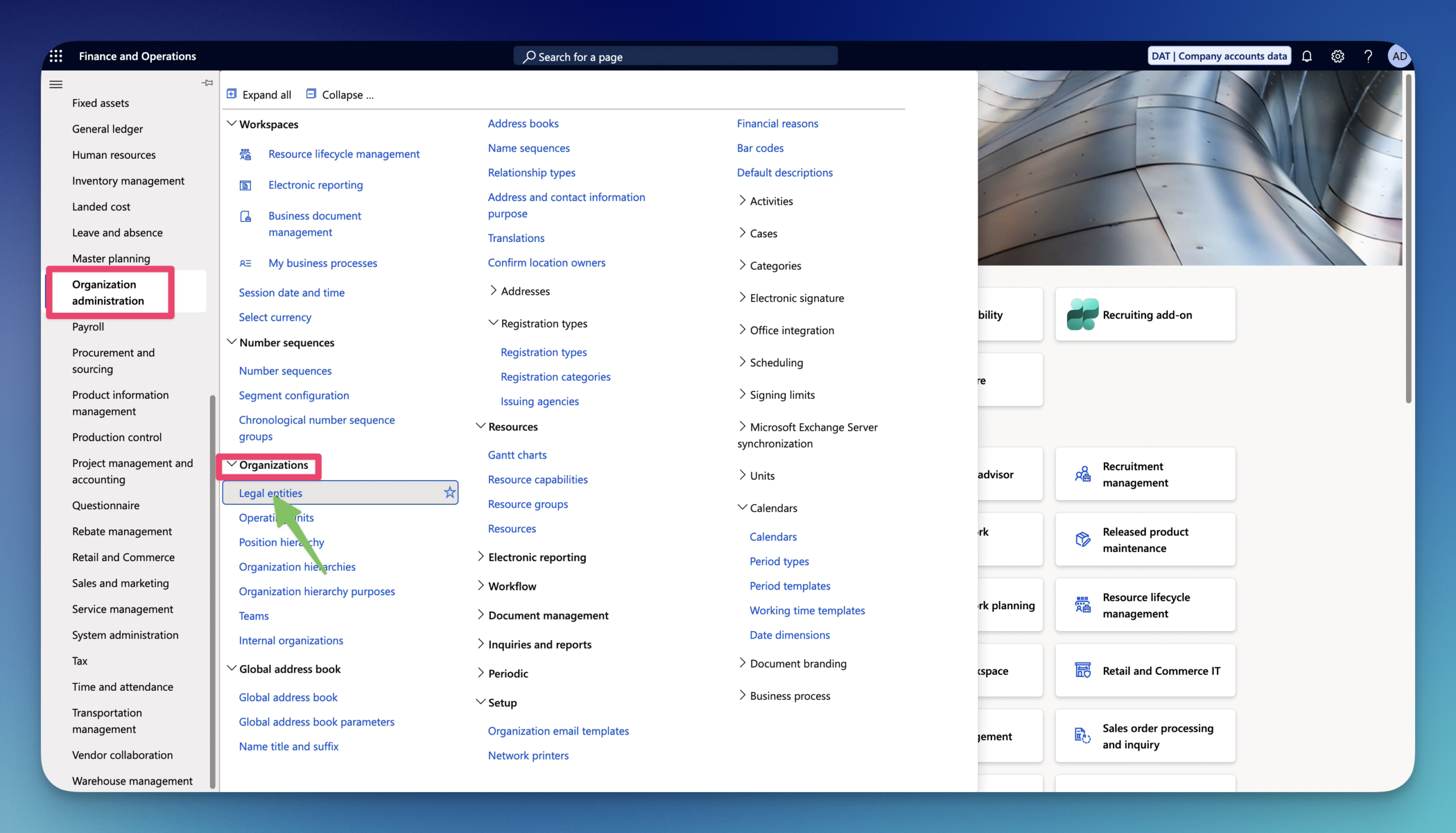
1.Go to Organization administration – Organizations – Legal entities
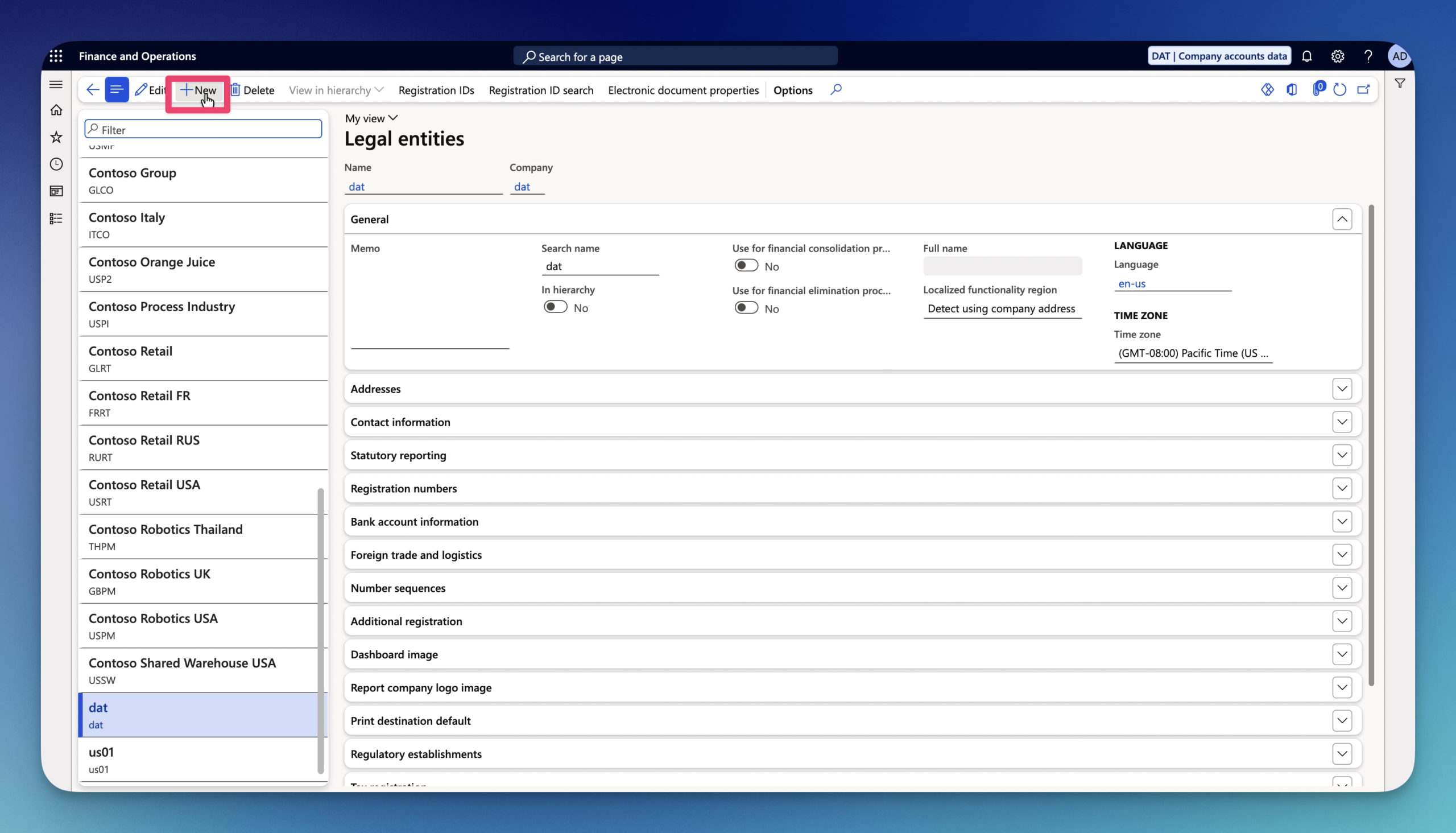
2. Click on New on the Action Pane.
3.Enter the Name.
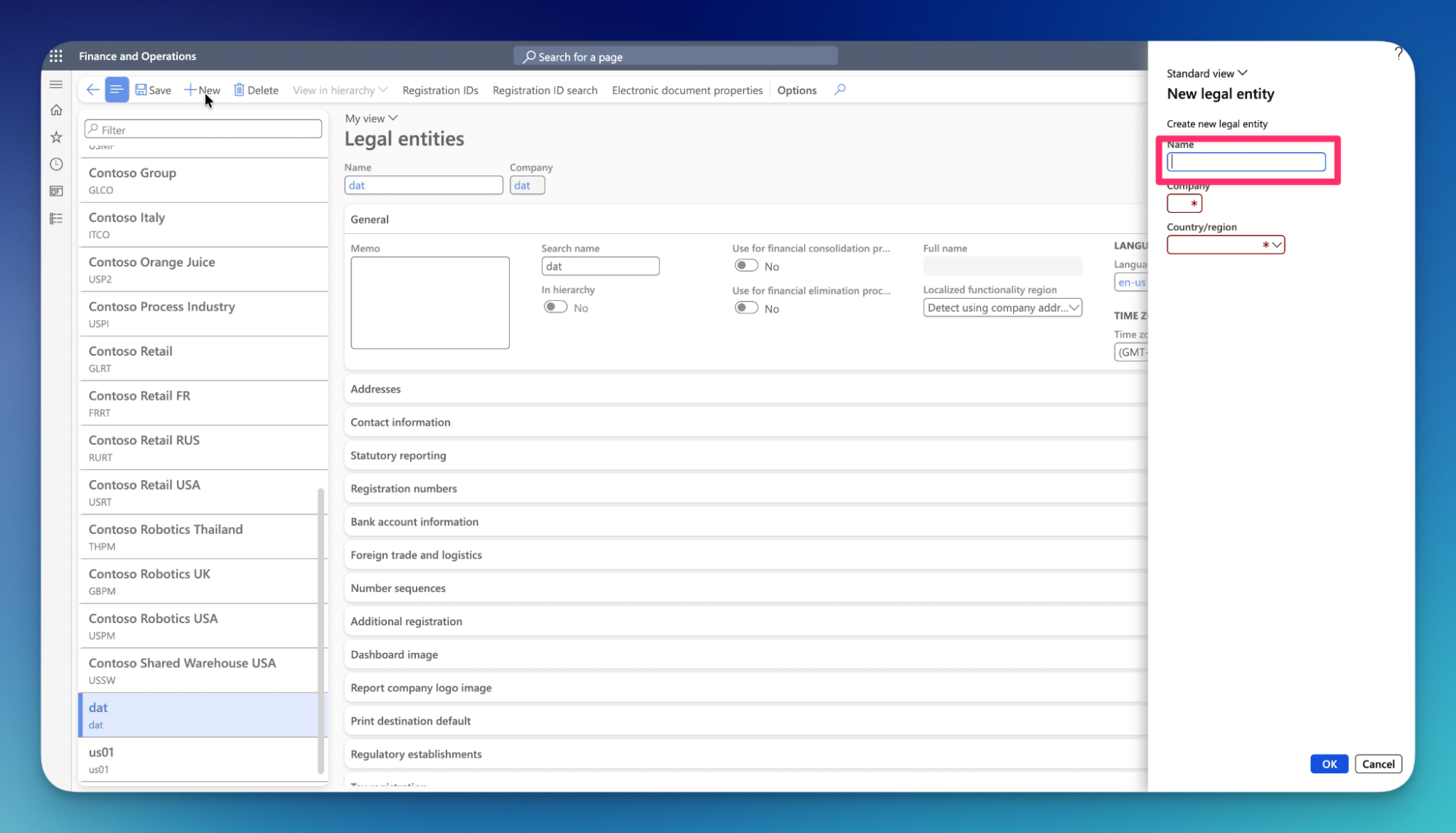
4.Enter Company shorthand.
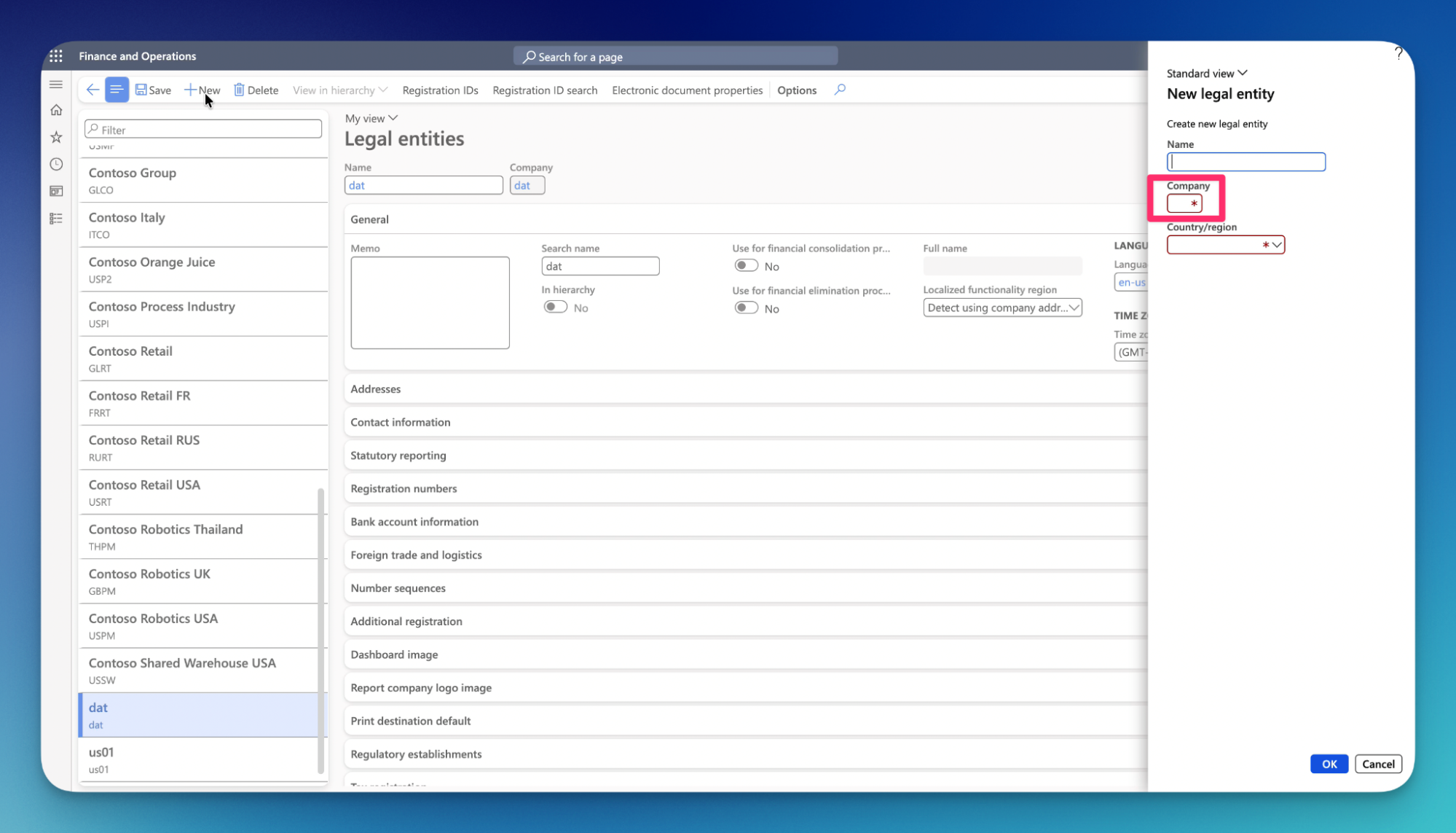
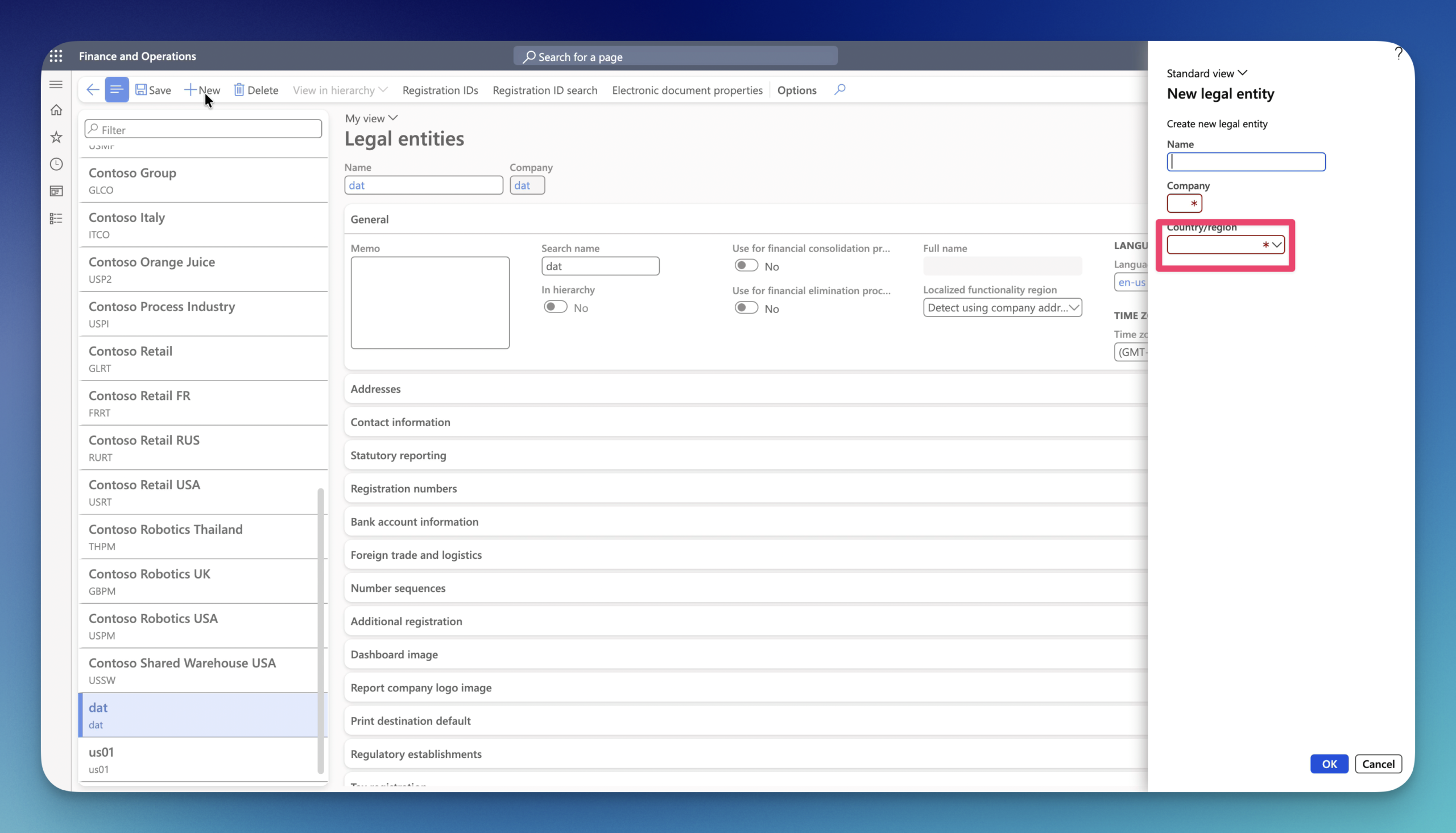
5.Select the Country/region of your Company.
Important! Make sure you select the correct Country/ region for your Legal entity. It decides about system behavior, compliance, and features. (business processes, tax rules, localizations and more)
6.Type in ‘Memo’ for your Company.
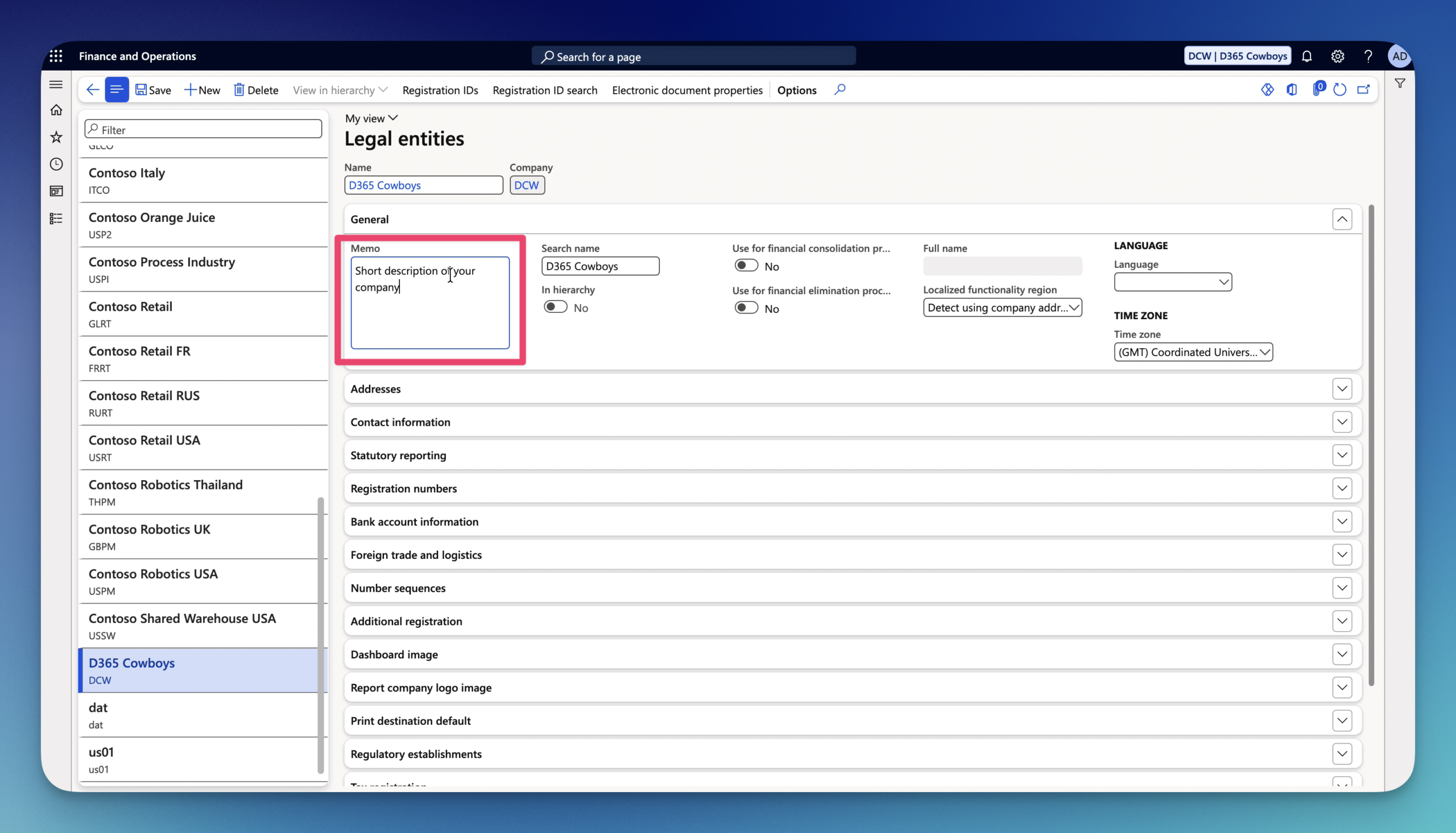
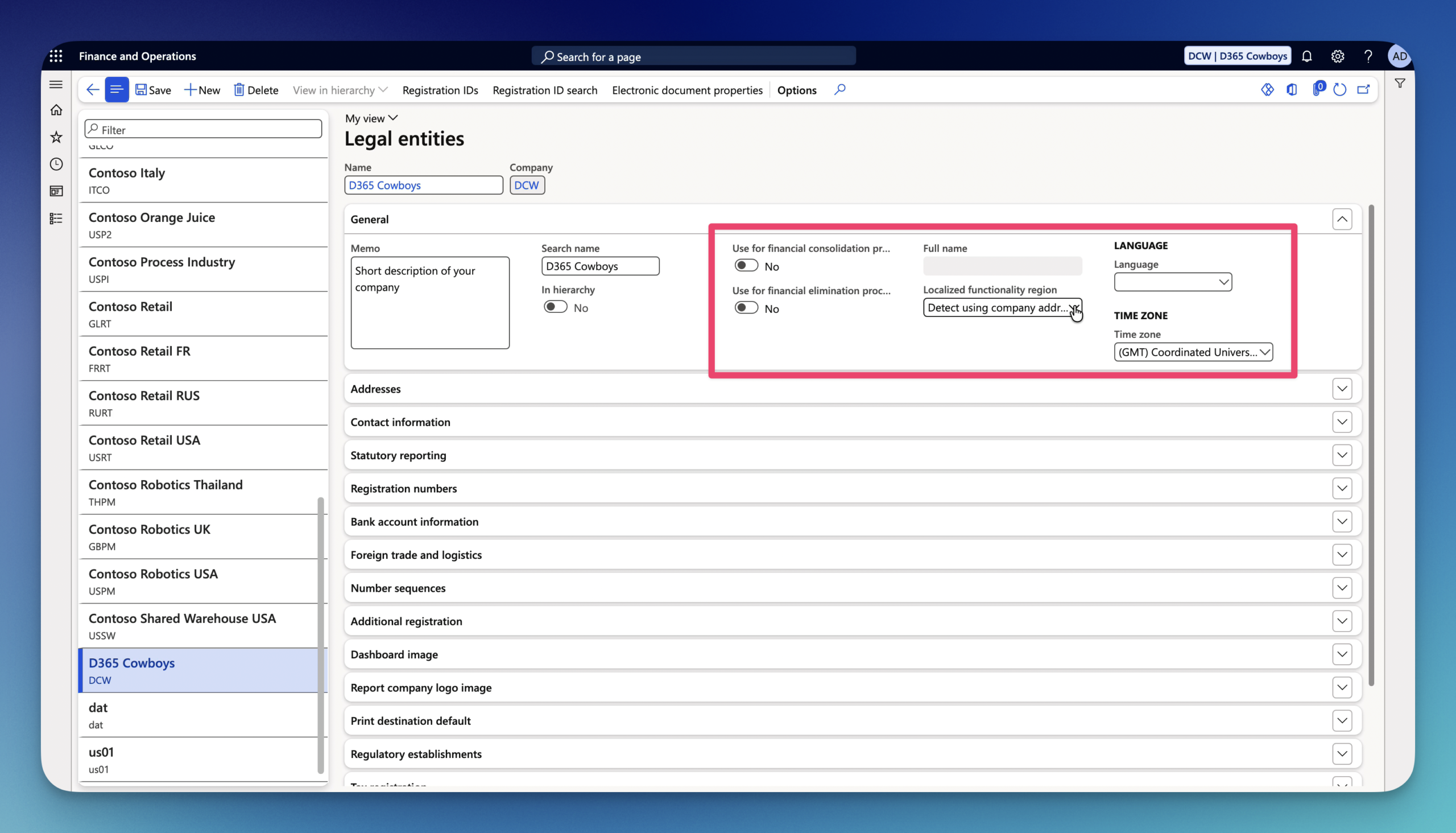
7.Other General FastTab parameters /options:
- Use for financial consolidation process- flags the company as a consolidation entity to sum financial reporting across multiple subsidiaries (business company controlled by a larger organization, known as the parent or holding company).
- Use for financial elimination process- specify the entity for intercompany elimination journal (remove internal transactions between a parent company and its subsidiaries during financial consolidation. These adjustments ensure that group financial statements reflect only external business activities and prevent the overstatement of assets, liabilities, revenues, and expenses.) entries during consolidation.
- In hierarchy– A read only indicator showing whether the legal entity is currently assigned to an active organizational hierarchy.
- Full name- The complete legal corporate title if it exceeds or differs from the standard entity display name.
- Localized functionality region- Determines which country-specific localization rules, tax features, and statutory compliance checks apply (defaults to Detect using company address).
- Language- primary system language used for system-generated documents, reports, and UI defaults for that entity.
- Time Zone- default local time zone for posting dates and timestamped system activities within the entity.
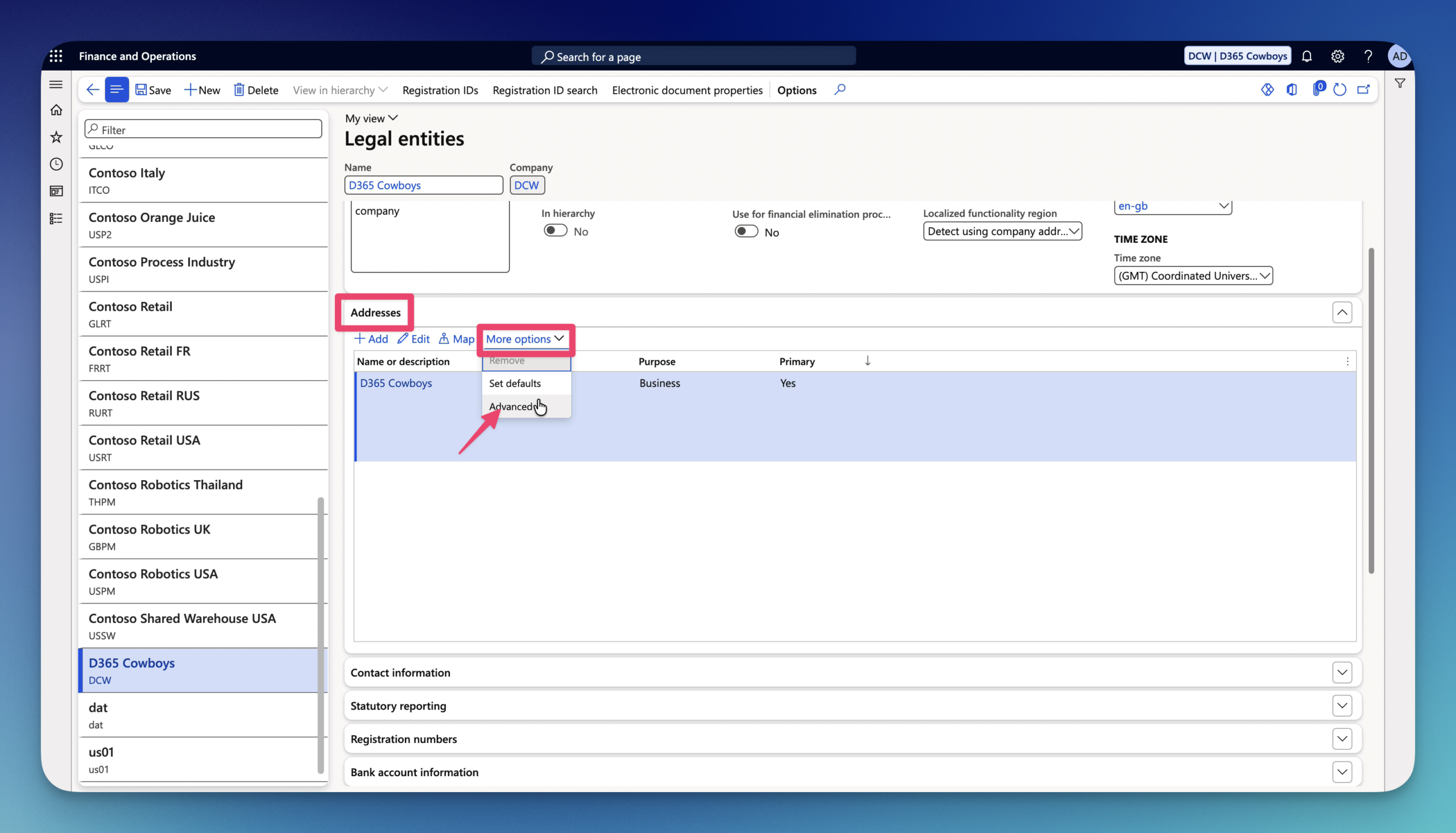
8.Click on Addresses FastTab to expand it. Then click More options – Advanced to edit default address for Legal entity.
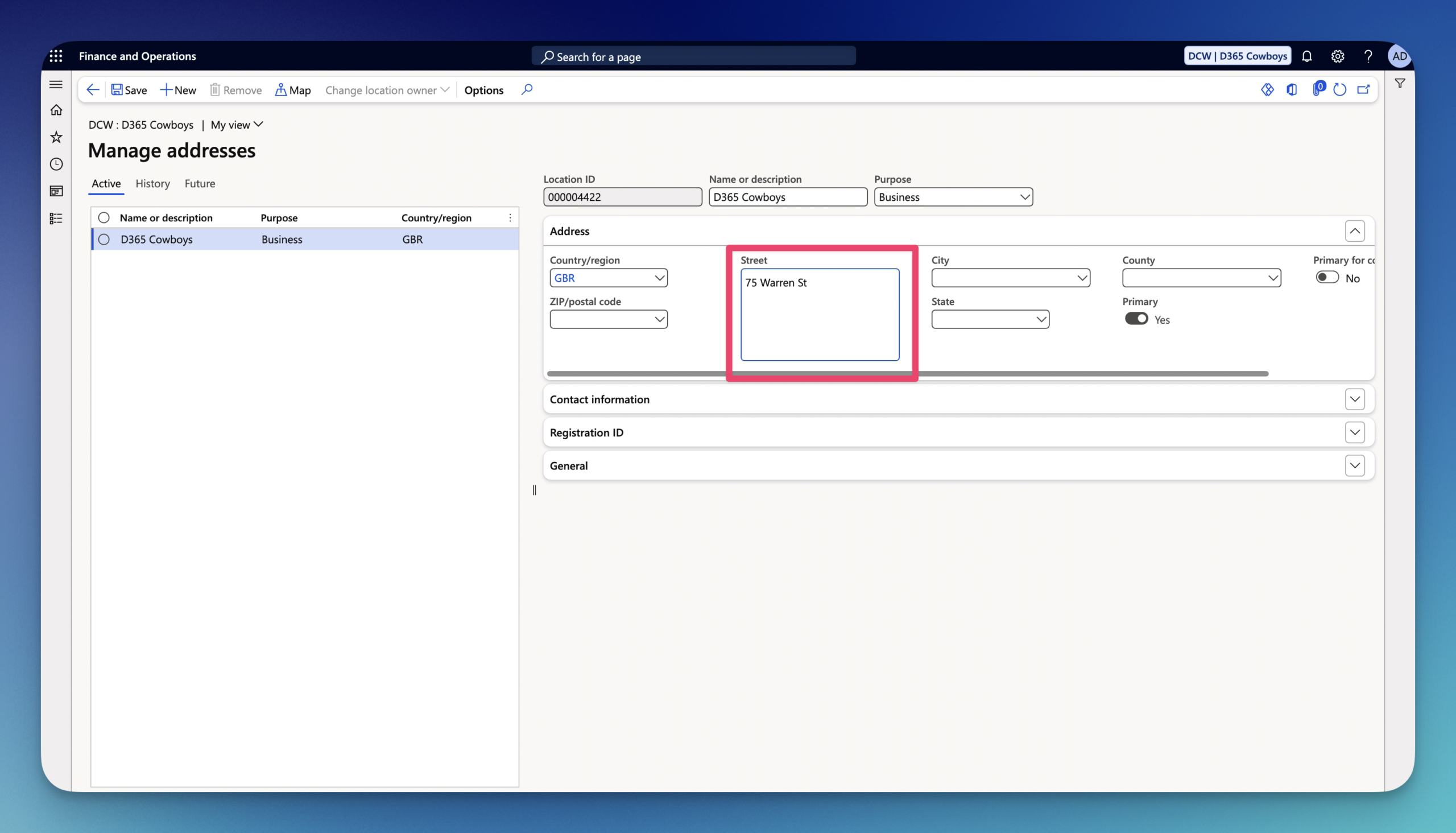
9.Enter Street.
10.Select City.
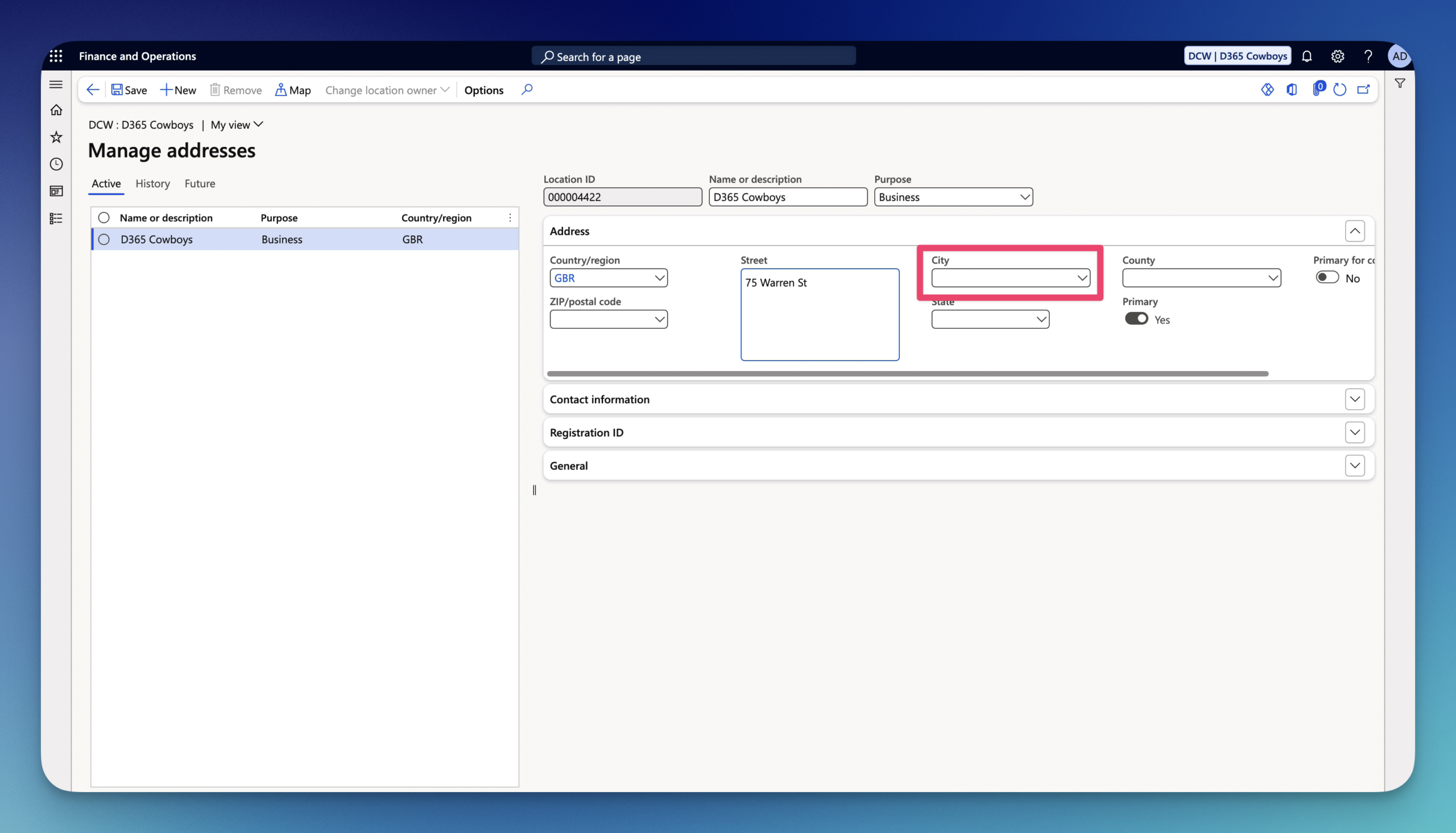
11.The State will be automatically populated based on City configuration.
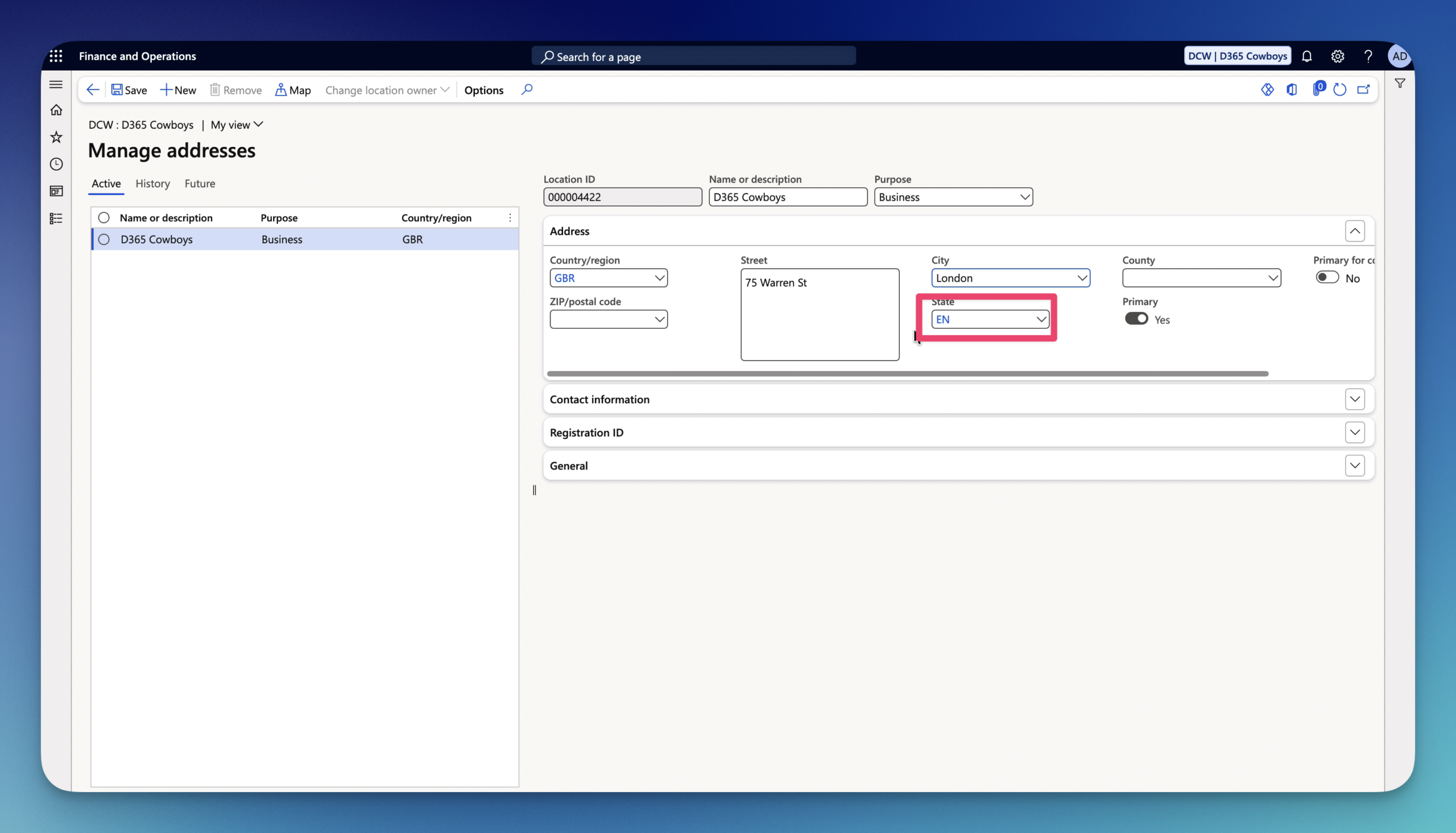
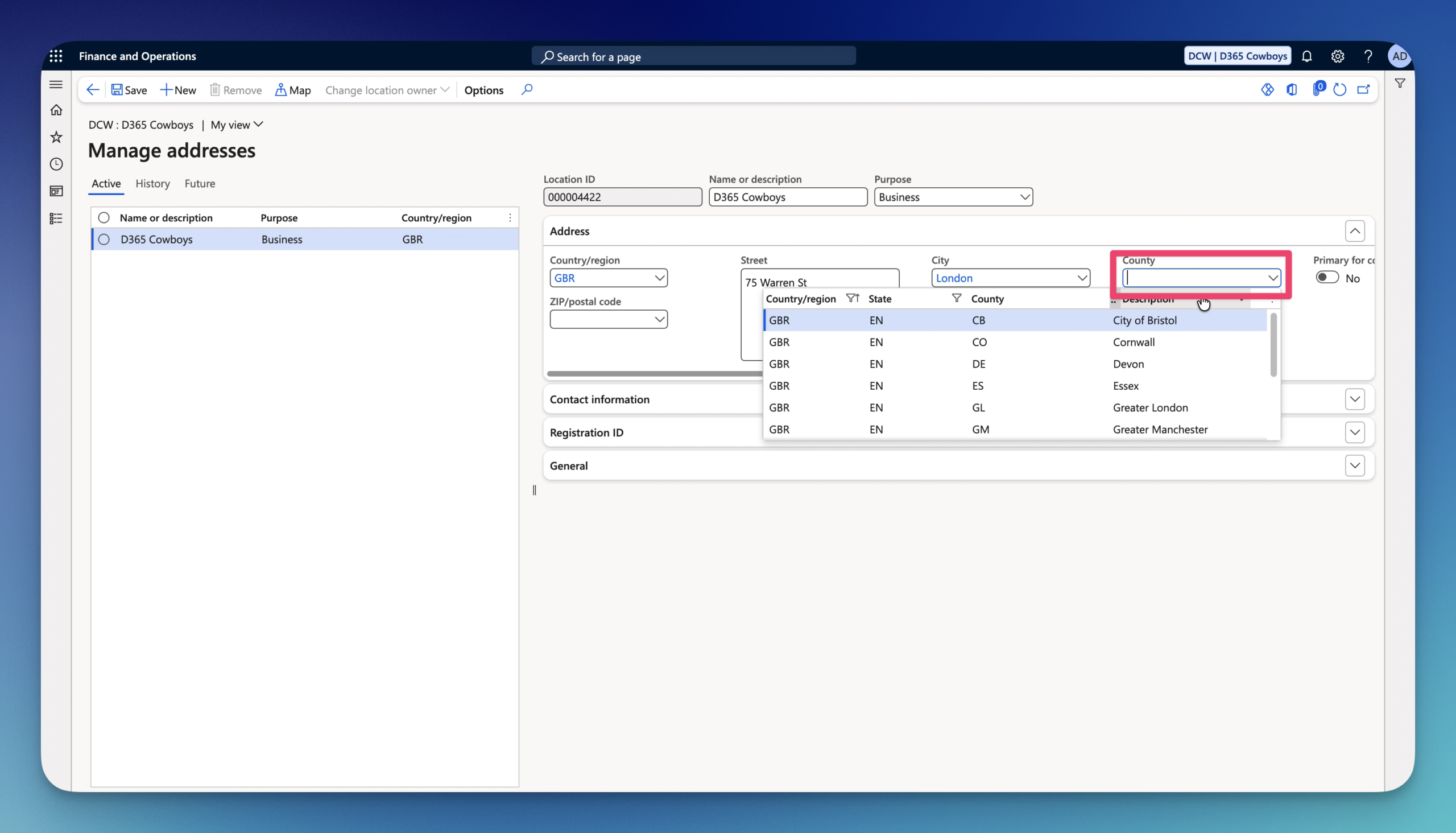
12.Select County.
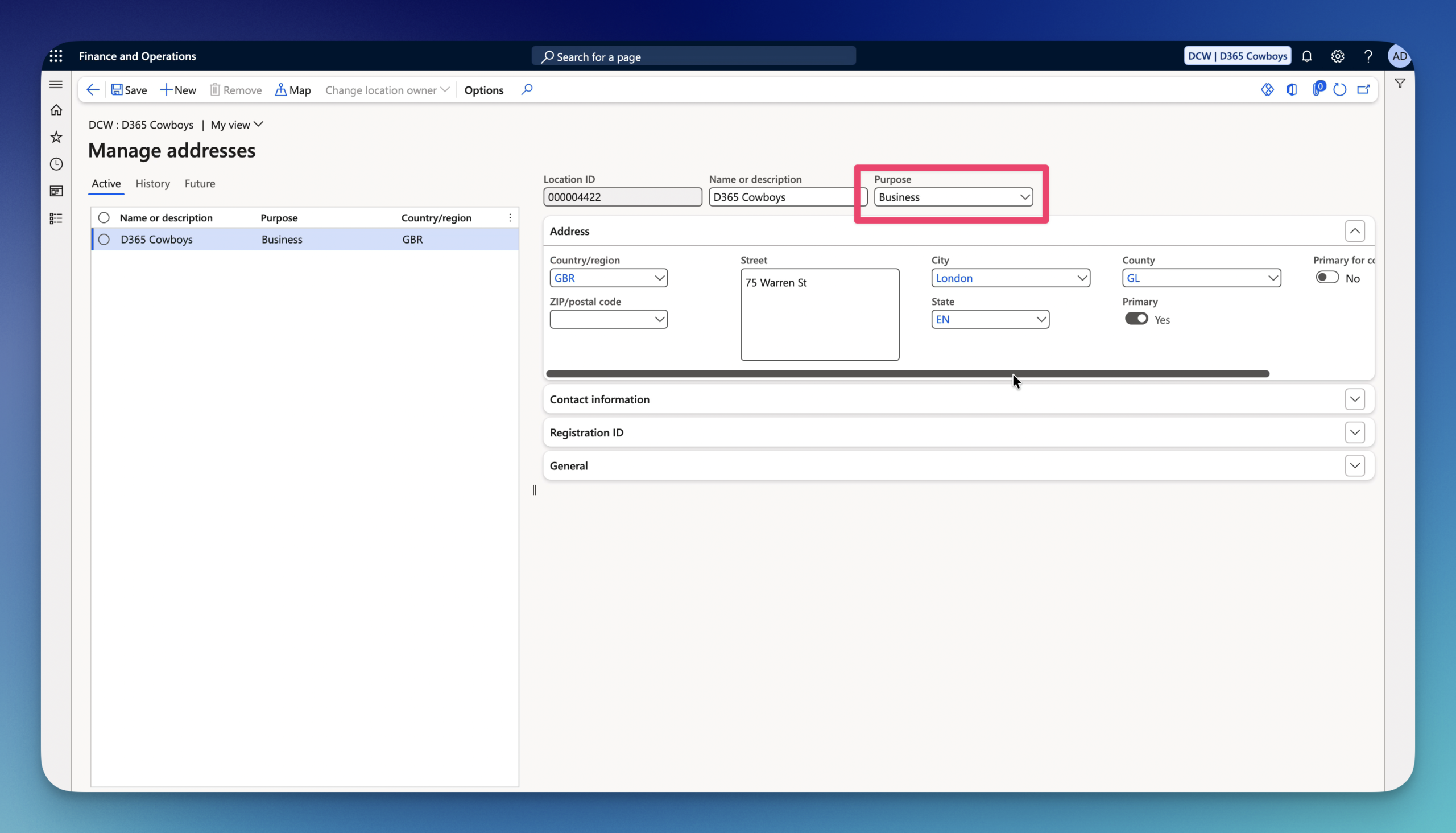
13.You can add more than Purpose of this address if needed.
14.Under Contact information FastTab you can add contact information for this address that is different from Legal entity contact information.
15.Registration ID FastTab – allows you to assign location-specific official identification numbers such as VAT numbers, Tax IDs, Enterprise IDs, and DUNS numbers directly to a specific address record.
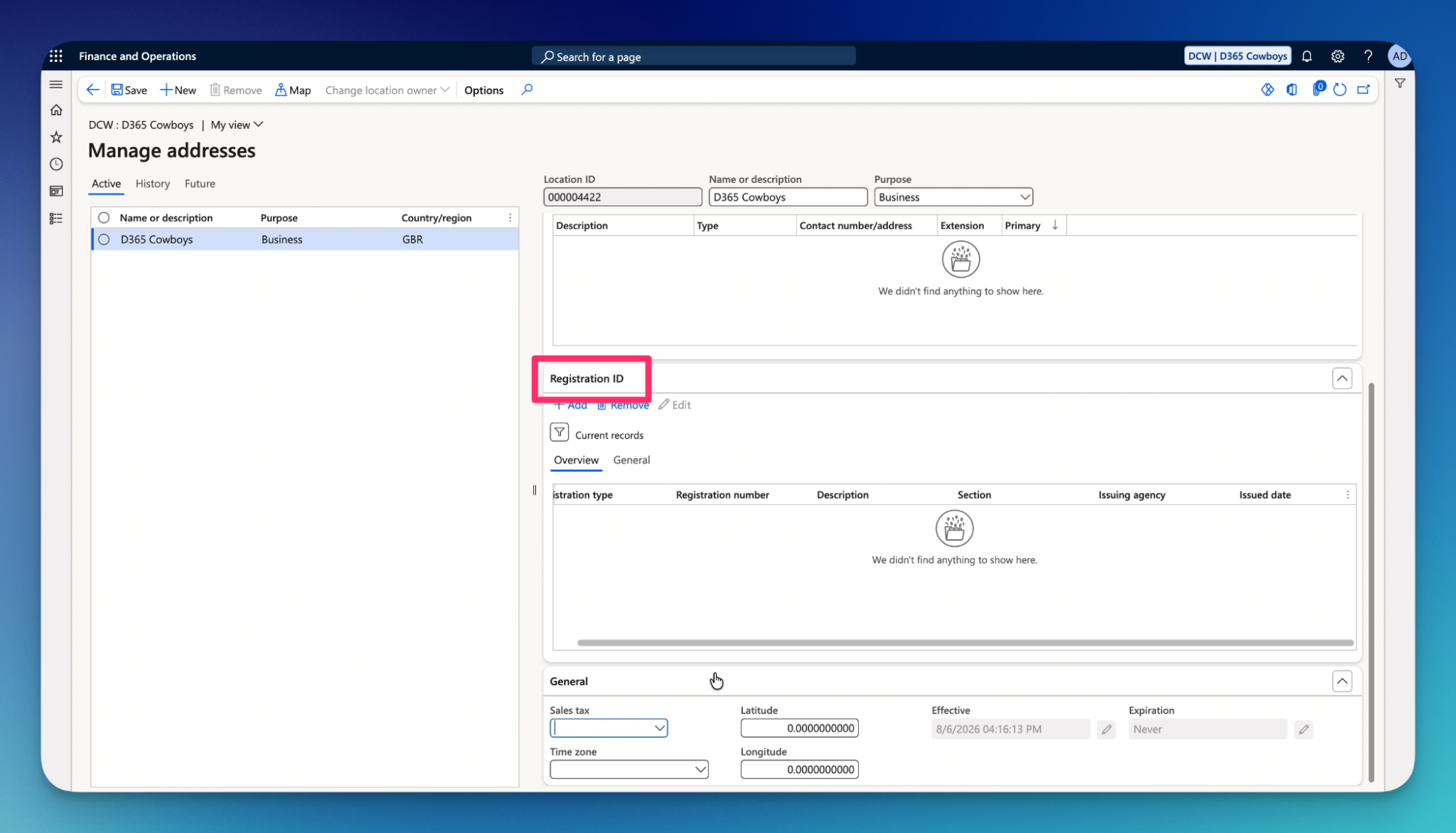
16.General FastTab – controls the operational classification, routing roles, and geographic categorization of a specific address record.
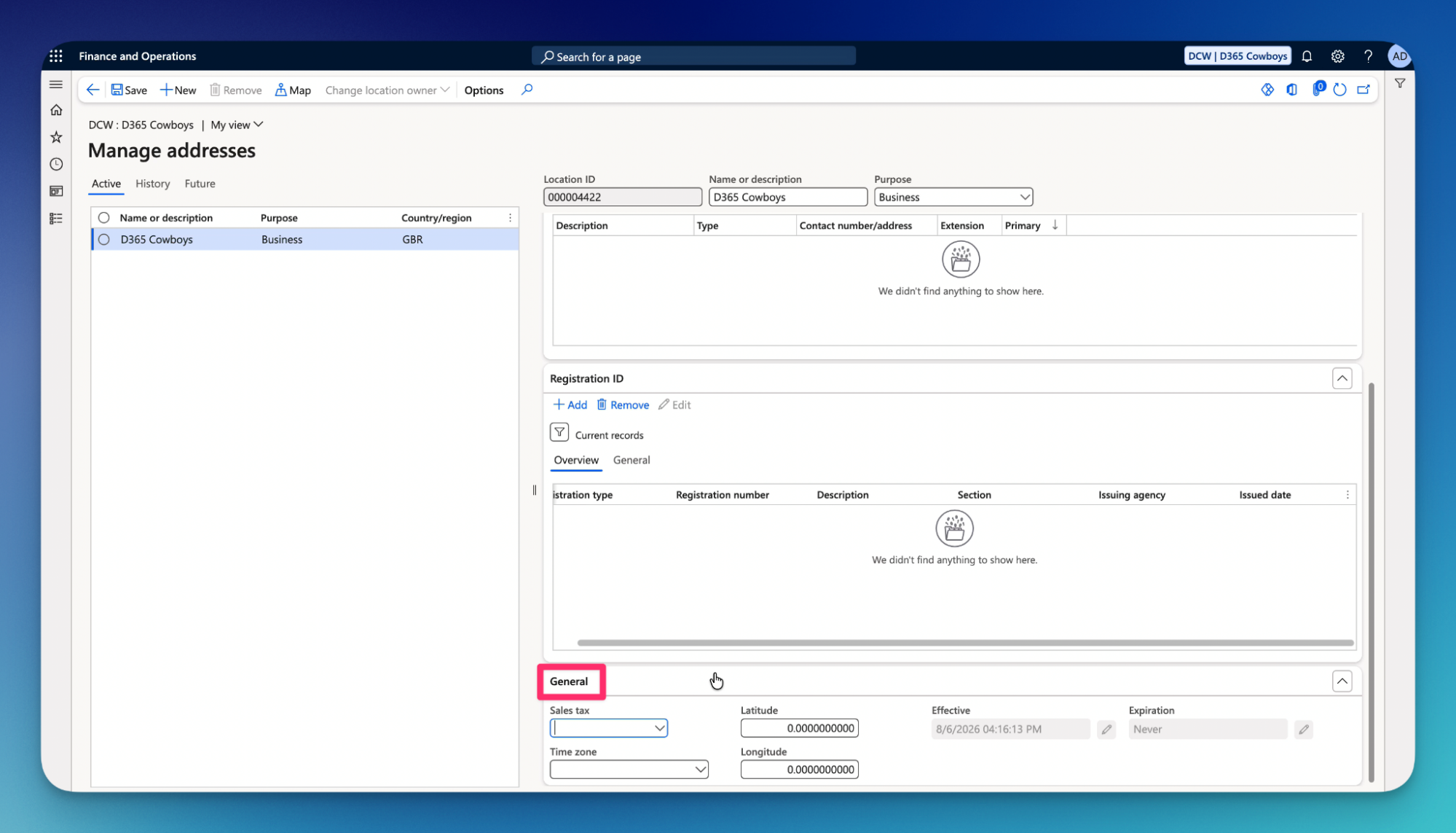
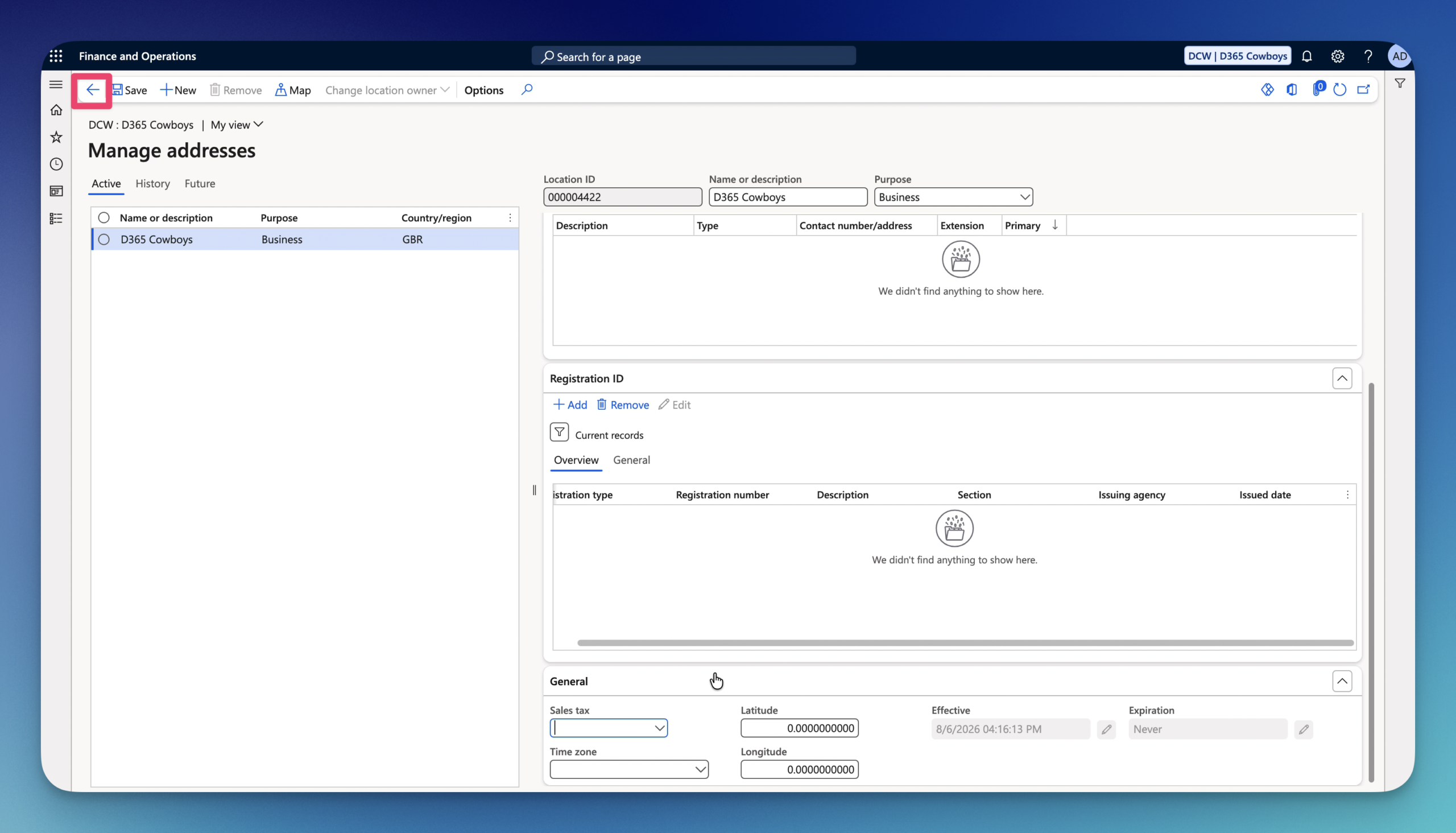
17.Click on the Arrow on the Action Pane to go back to the Legal Entity page.
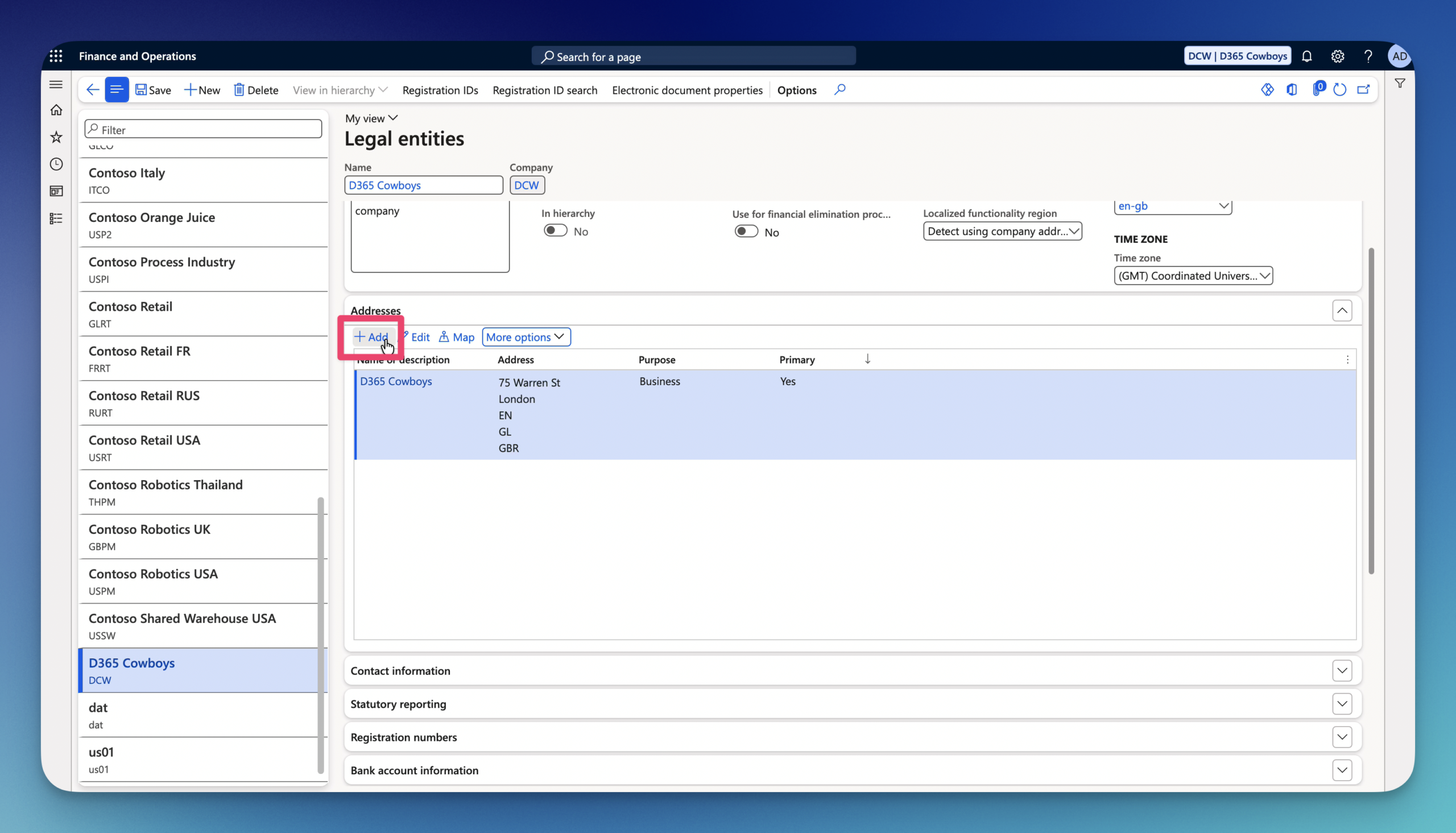
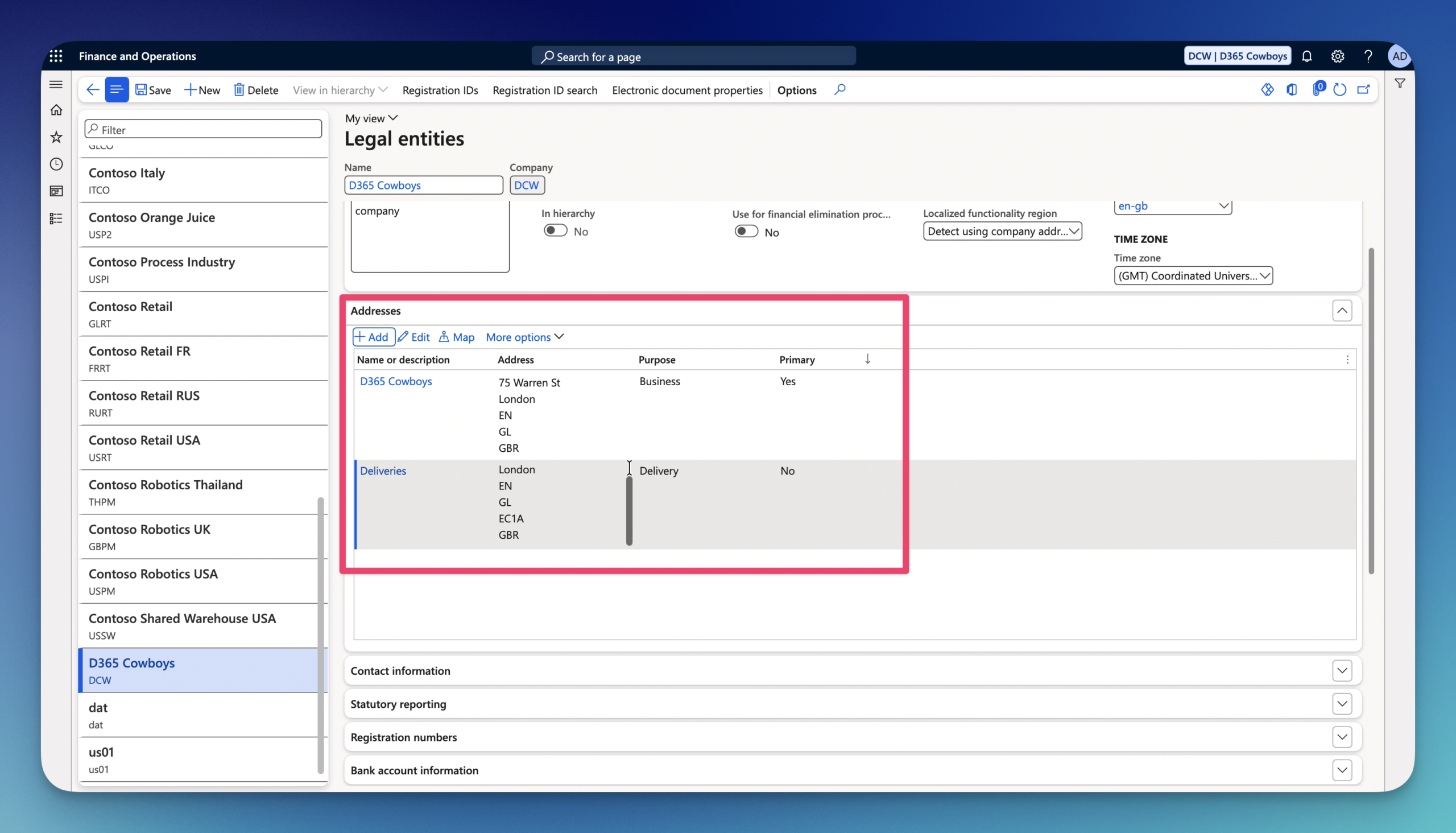
18.Click on Add under Addresses if you want to add another address, for example Delivery address.
19.Enter the following:
- Name or description
- Purpose
- Country/region
- ZIP/Postal code
- Street
- City
- State
- County
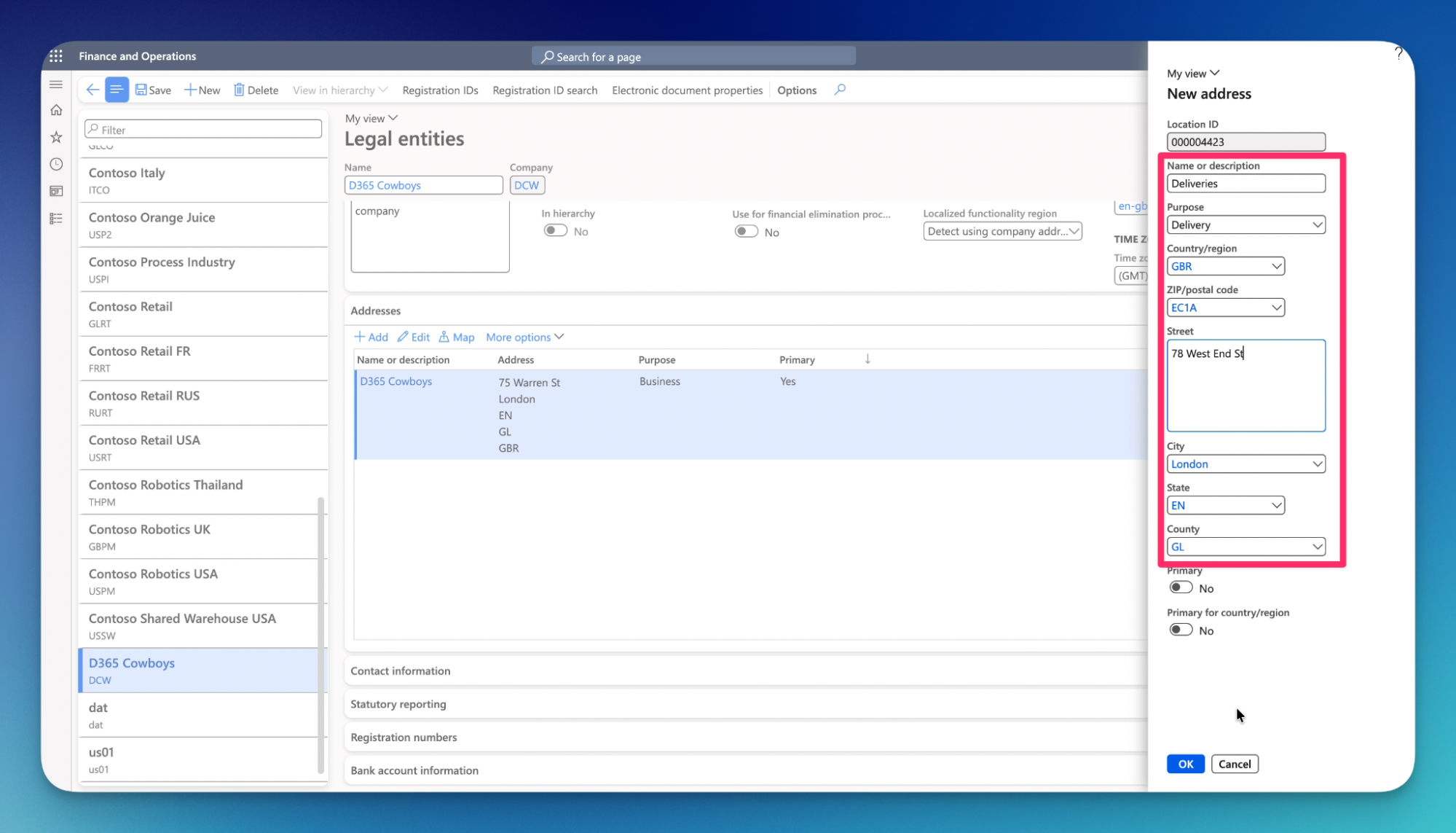
20.Enable Primary if needed.
Primary – default main address for a record (such as a Customer, Vendor, Contact, or Legal Entity) across the entire Global Address Book (GAB)
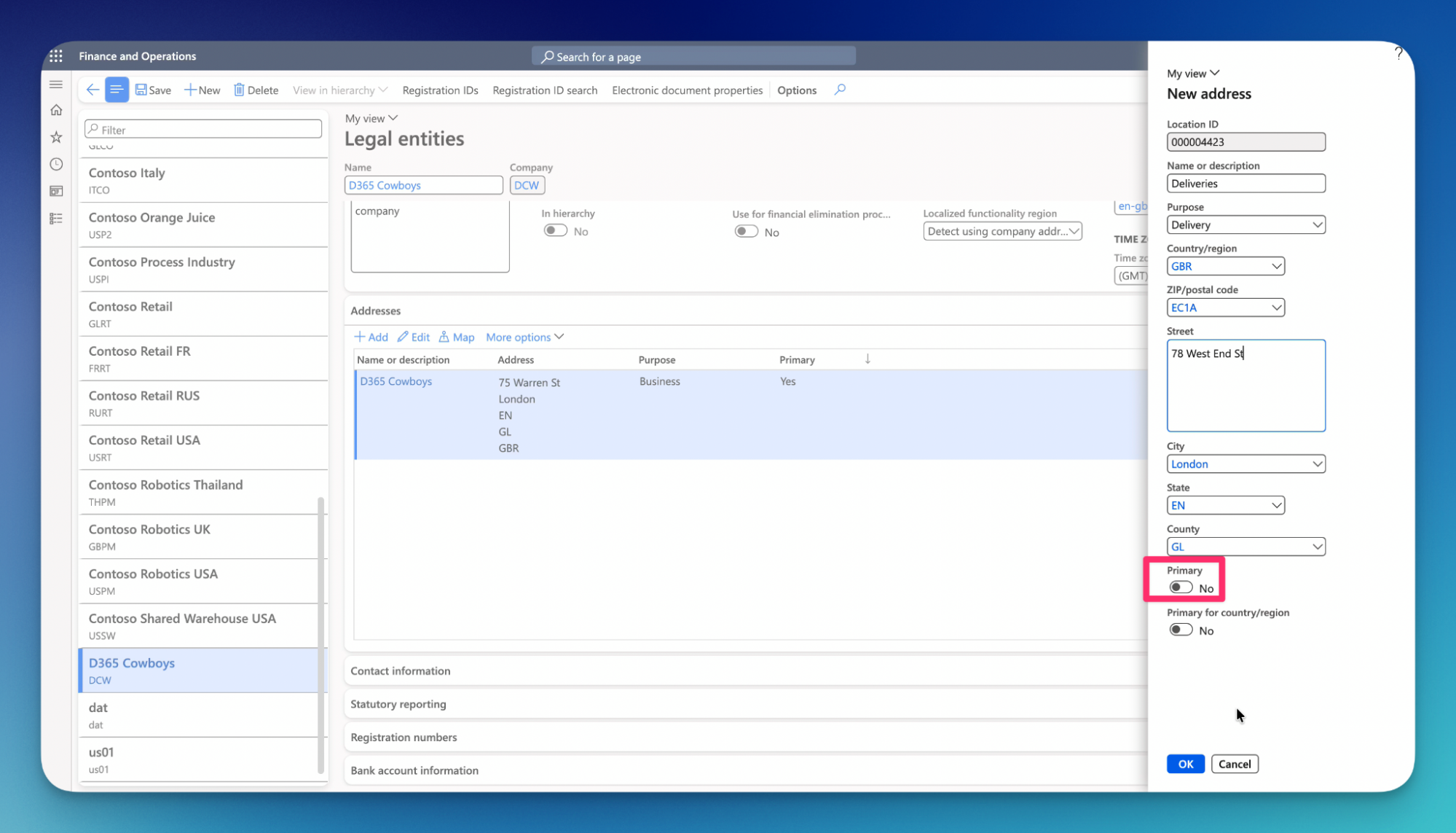
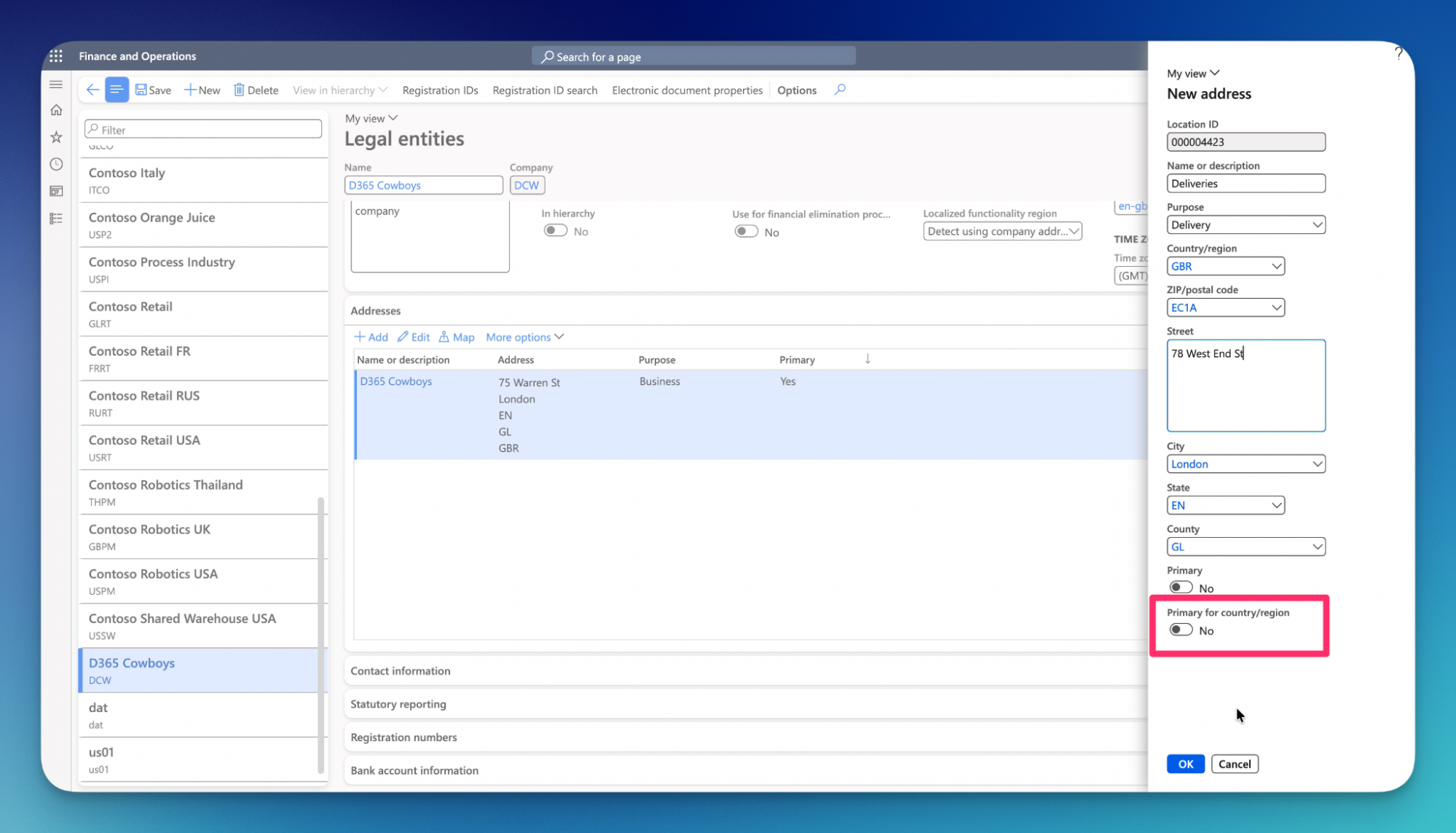
21.Enable Primary for country/region if needed.
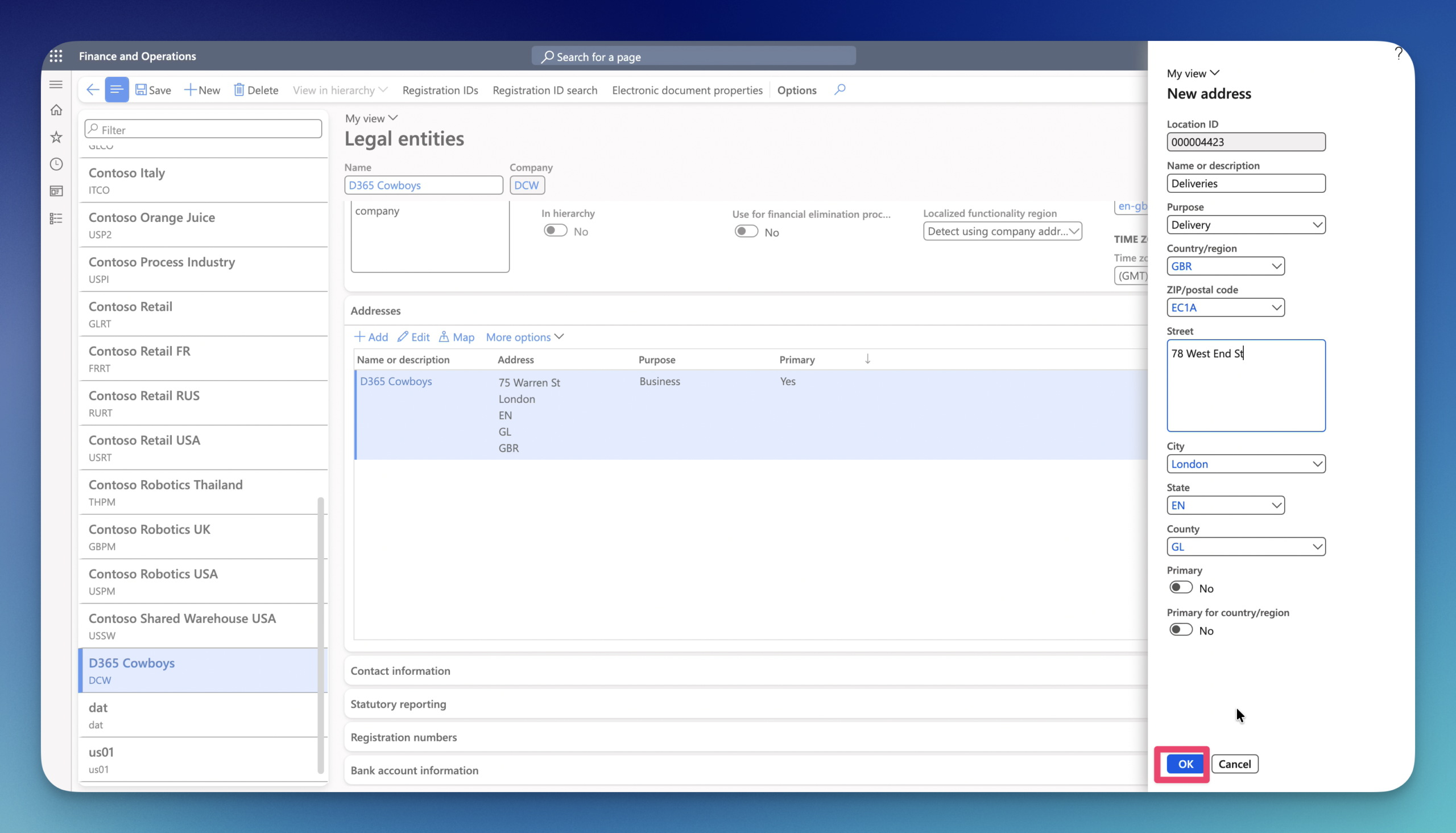
22.Click OK.
23.Click on Contact information to add contact details for the Legal entity.
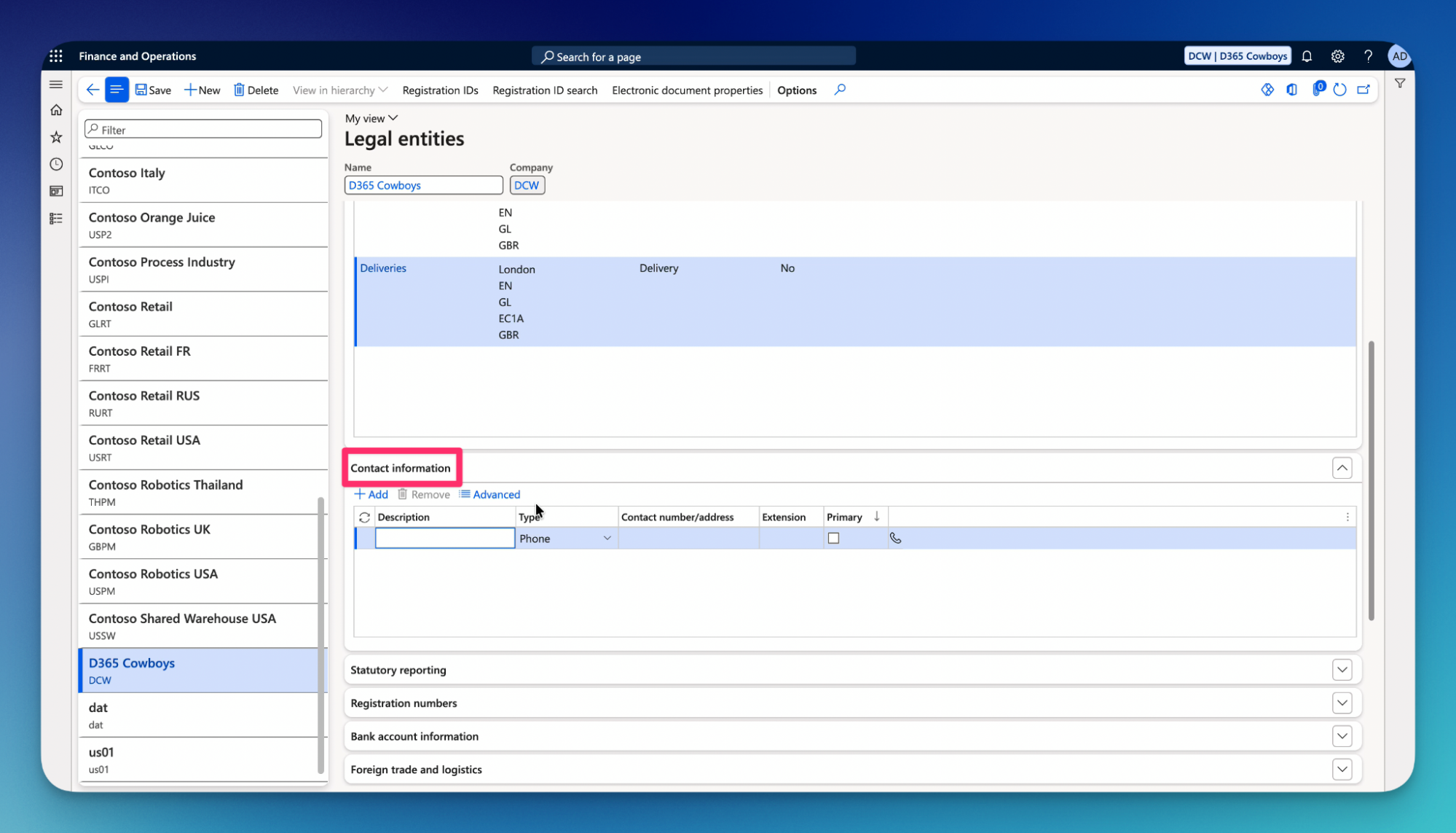
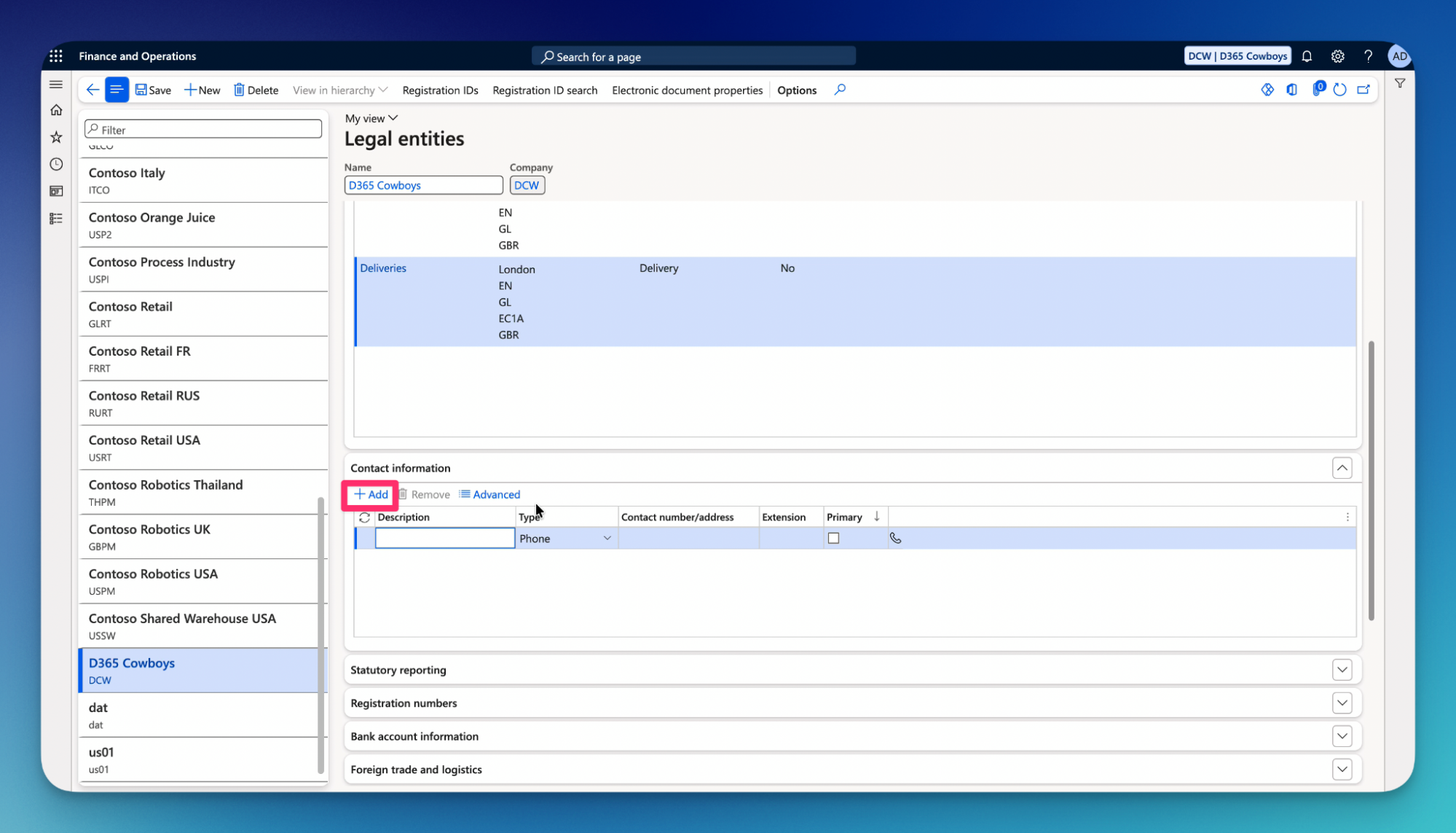
24.Click on Add.
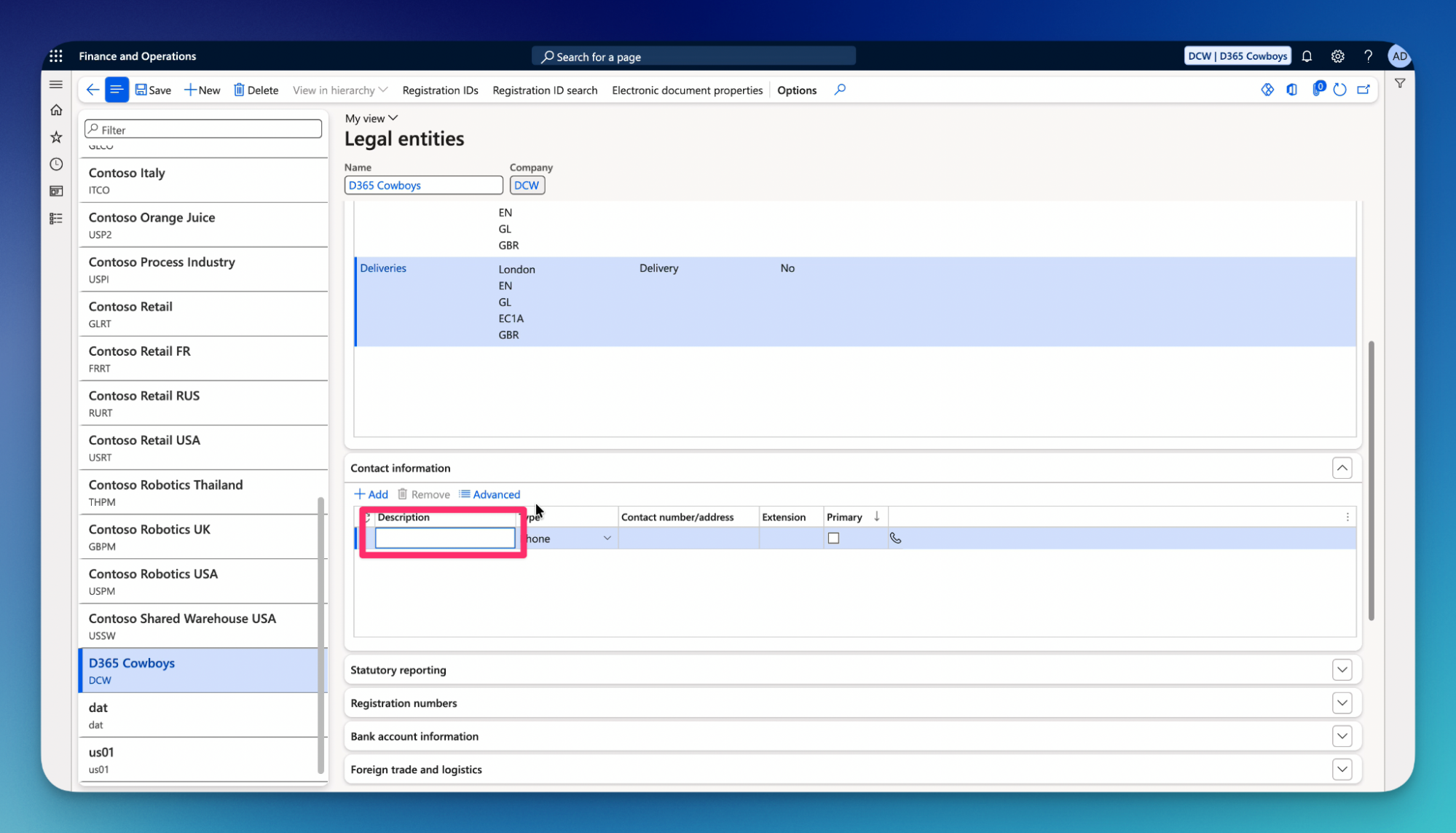
25.Type Description.
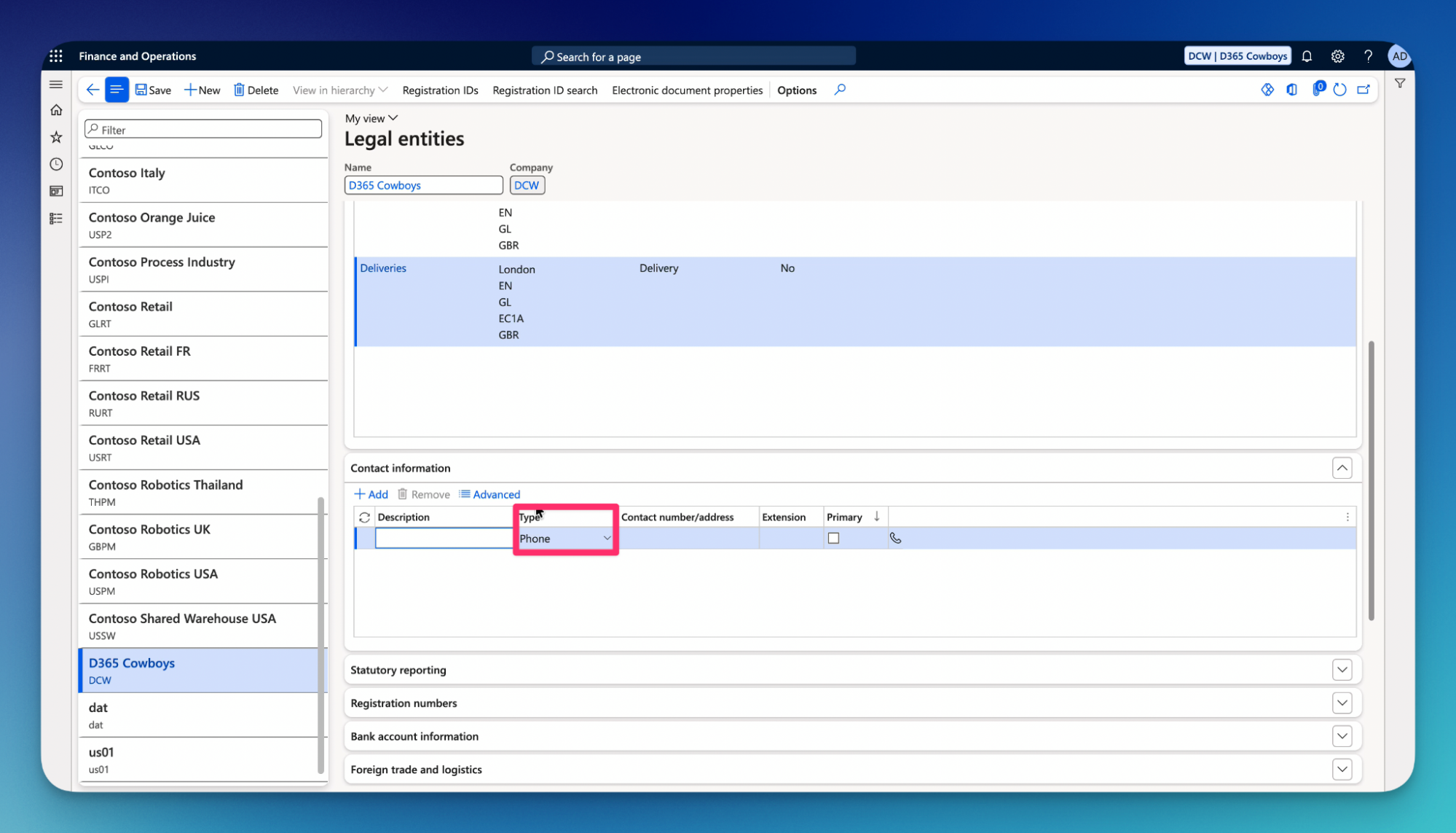
26.Select type of contact detail.
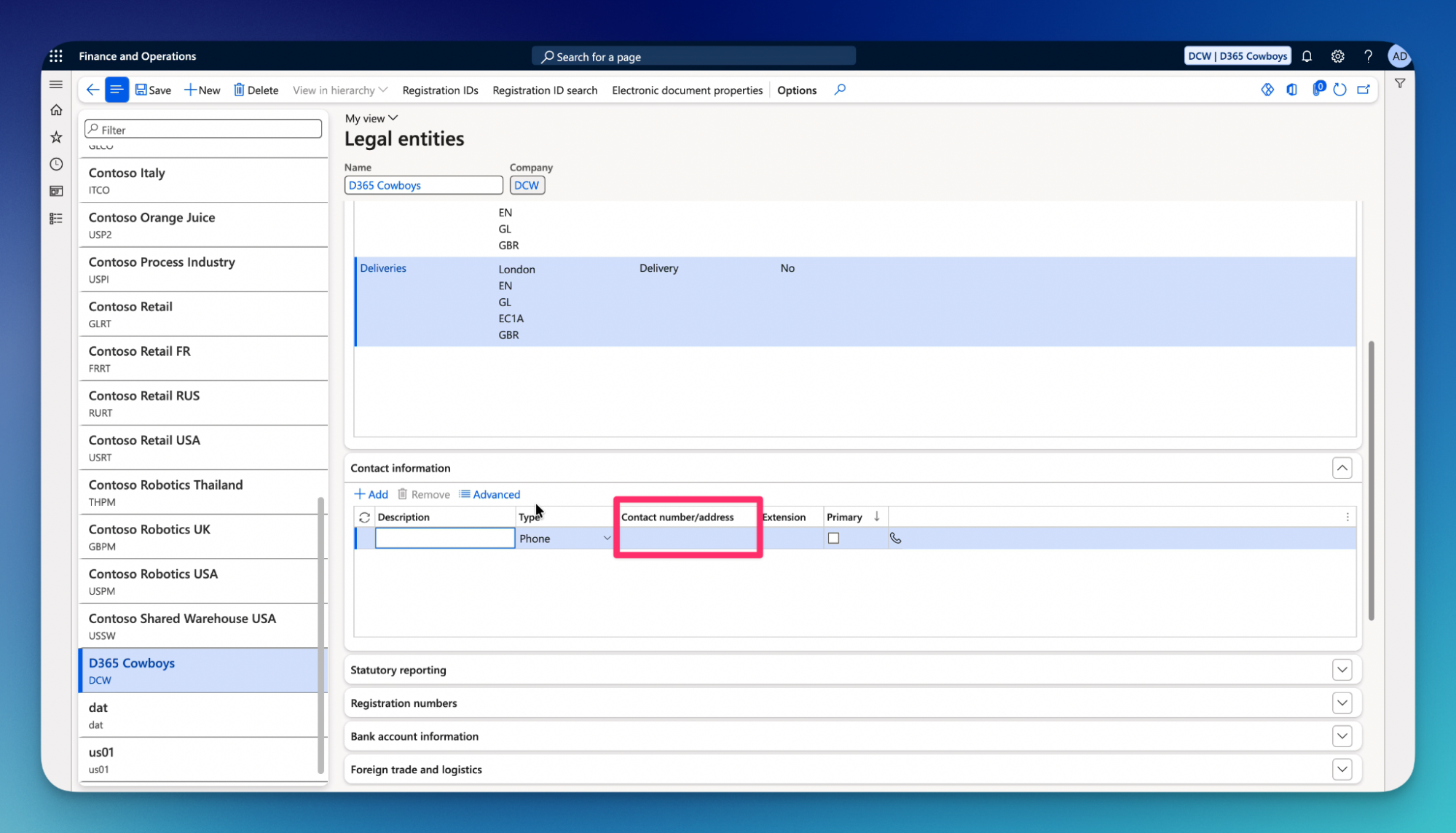
27.Enter number/address.
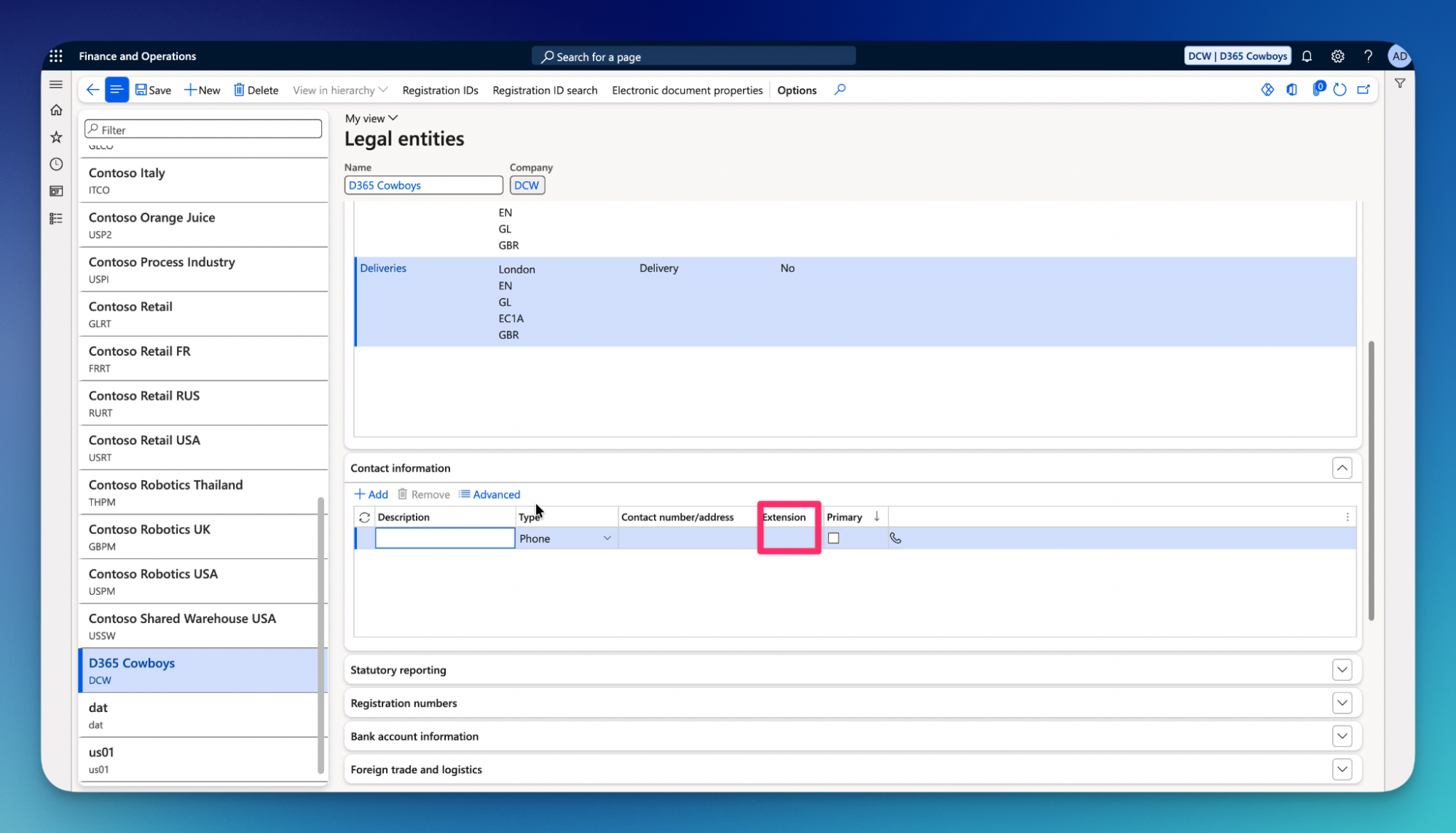
28.Enter extension if needed.
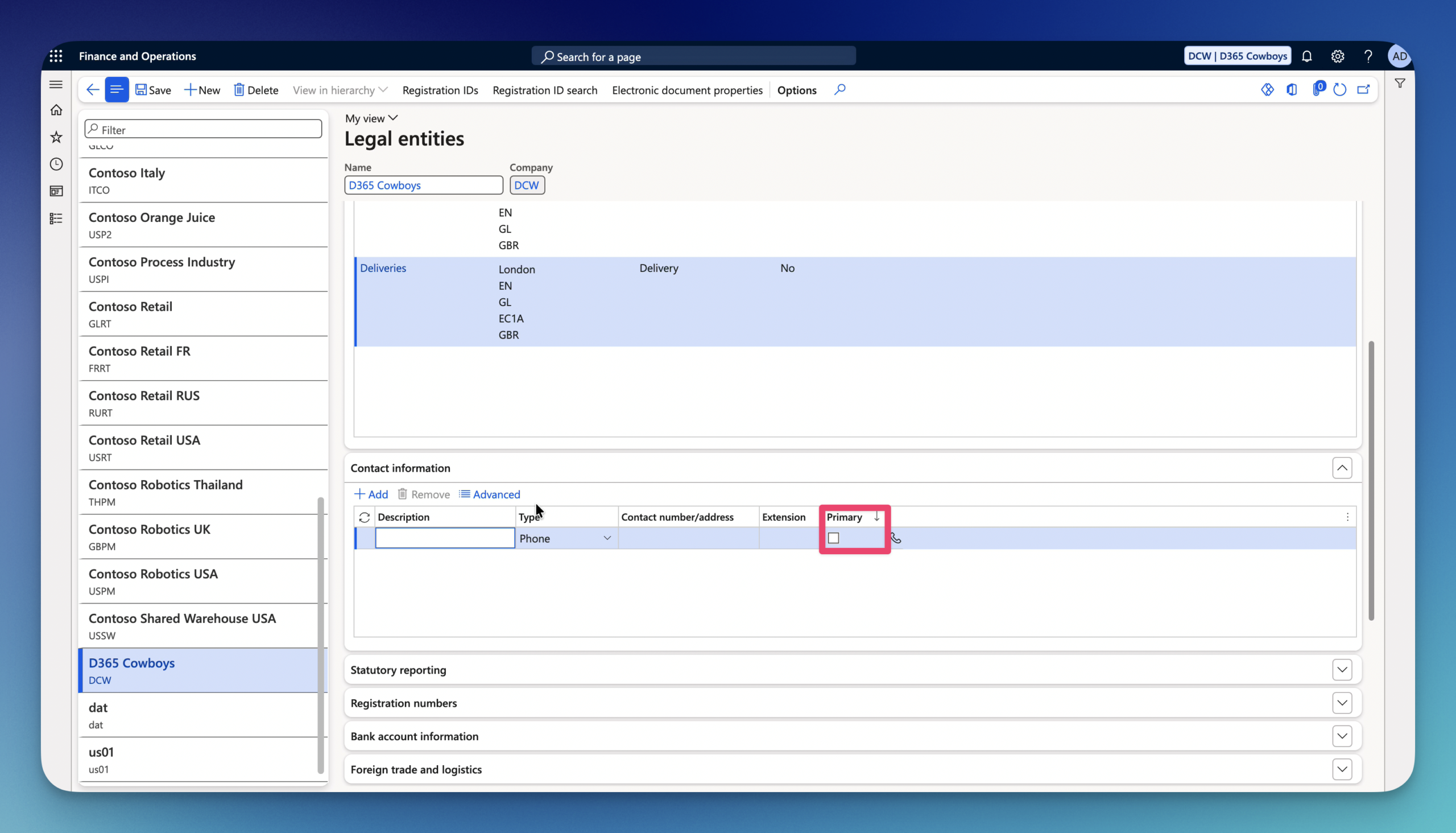
29.Select Primary if needed.
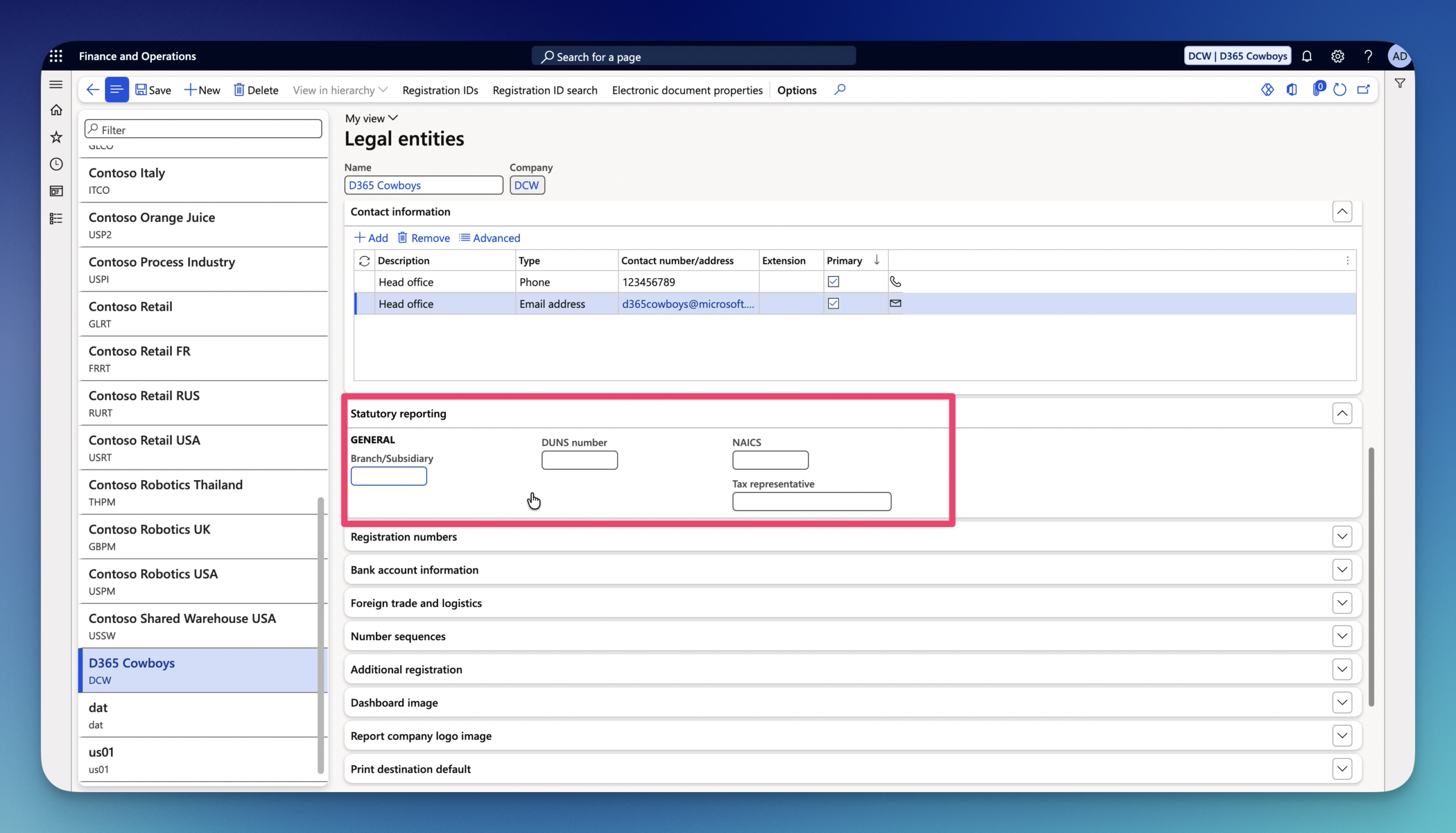
30.Statutory reporting FastTab
- Branch/Subsidiary – Defines entity hierarchy for consolidated statutory disclosures.
- DUNS number – Data Universal Numbering System – a unique 9-digit global business identifier. Used extensively in cross-border trade, vendor risk assessment.
- NAICS – North American Industry Classification System code used to classify business activity.
- Tax representative – Identifies a nominated third-party individual or professional services firm authorized to handle tax filings on behalf of the legal entity.
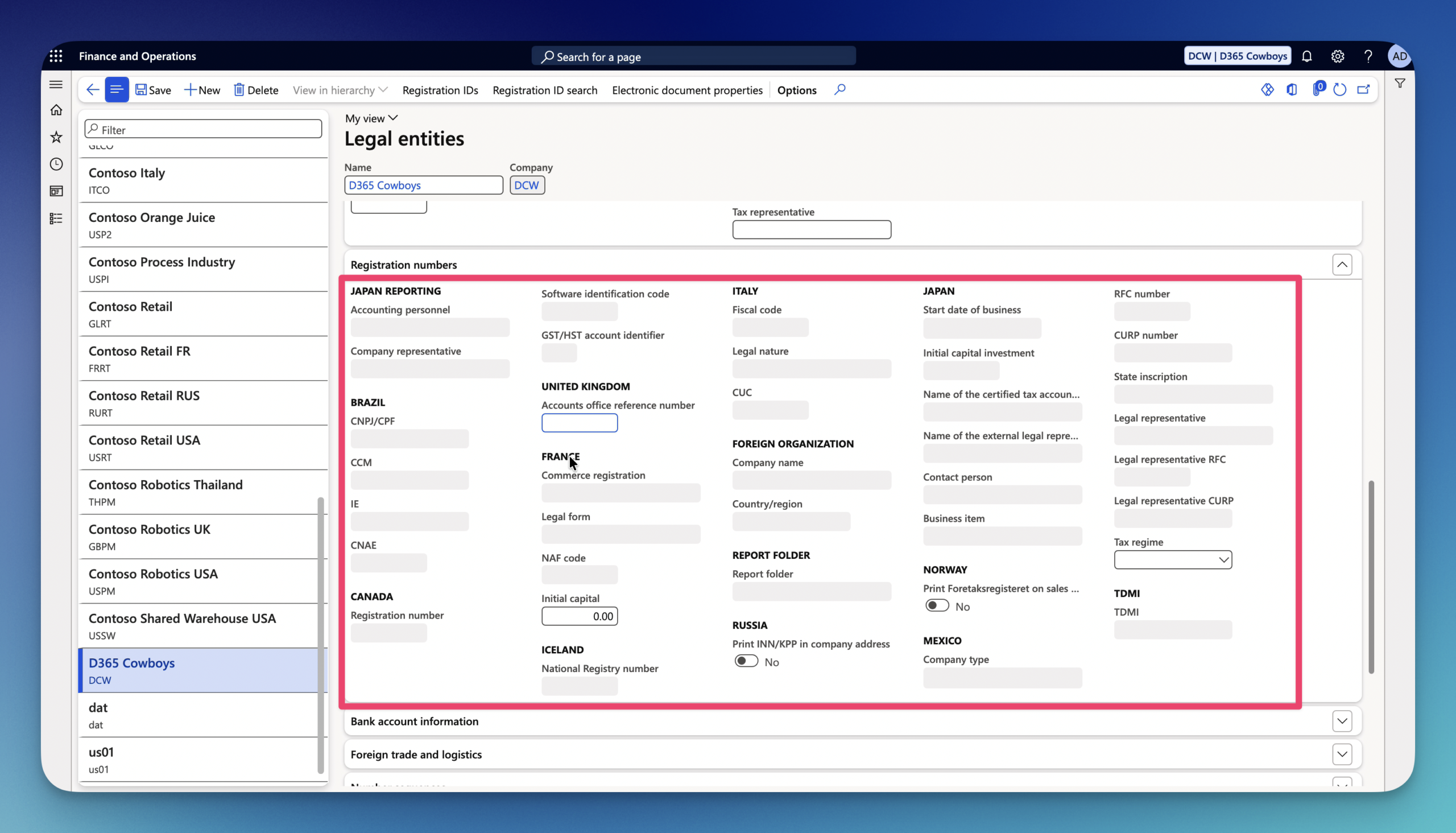
31.Registration numbers FastTab – responsible for official government and regulatory identifiers required for compliance, statutory reporting, and invoicing across various countries.
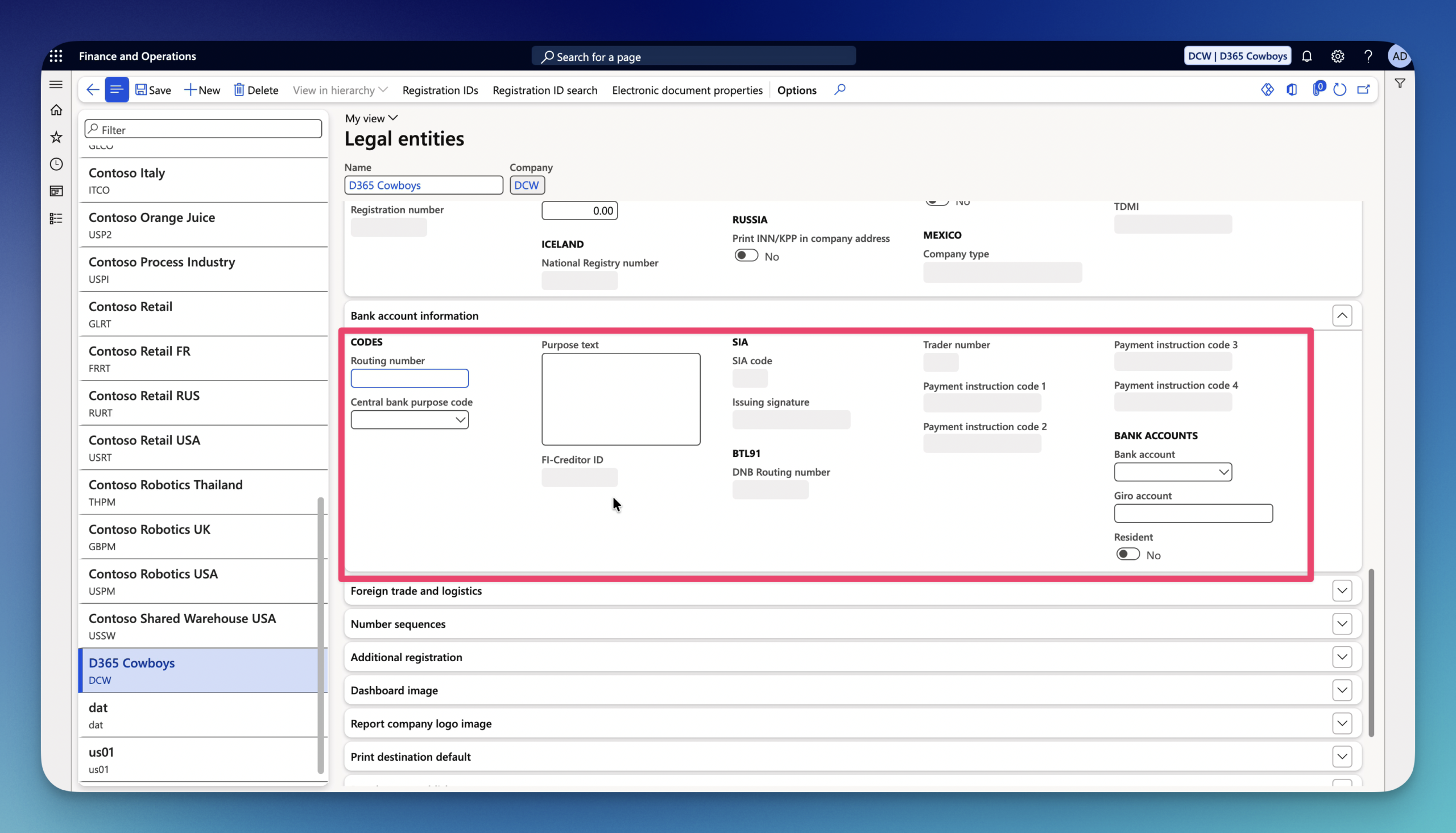
32.Bank account information FastTab – defines default entity-level banking and identification credentials used across general system processes, payment file generation, and country-specific electronic reporting – Most of the implementations use the Cash and bank management module for this.
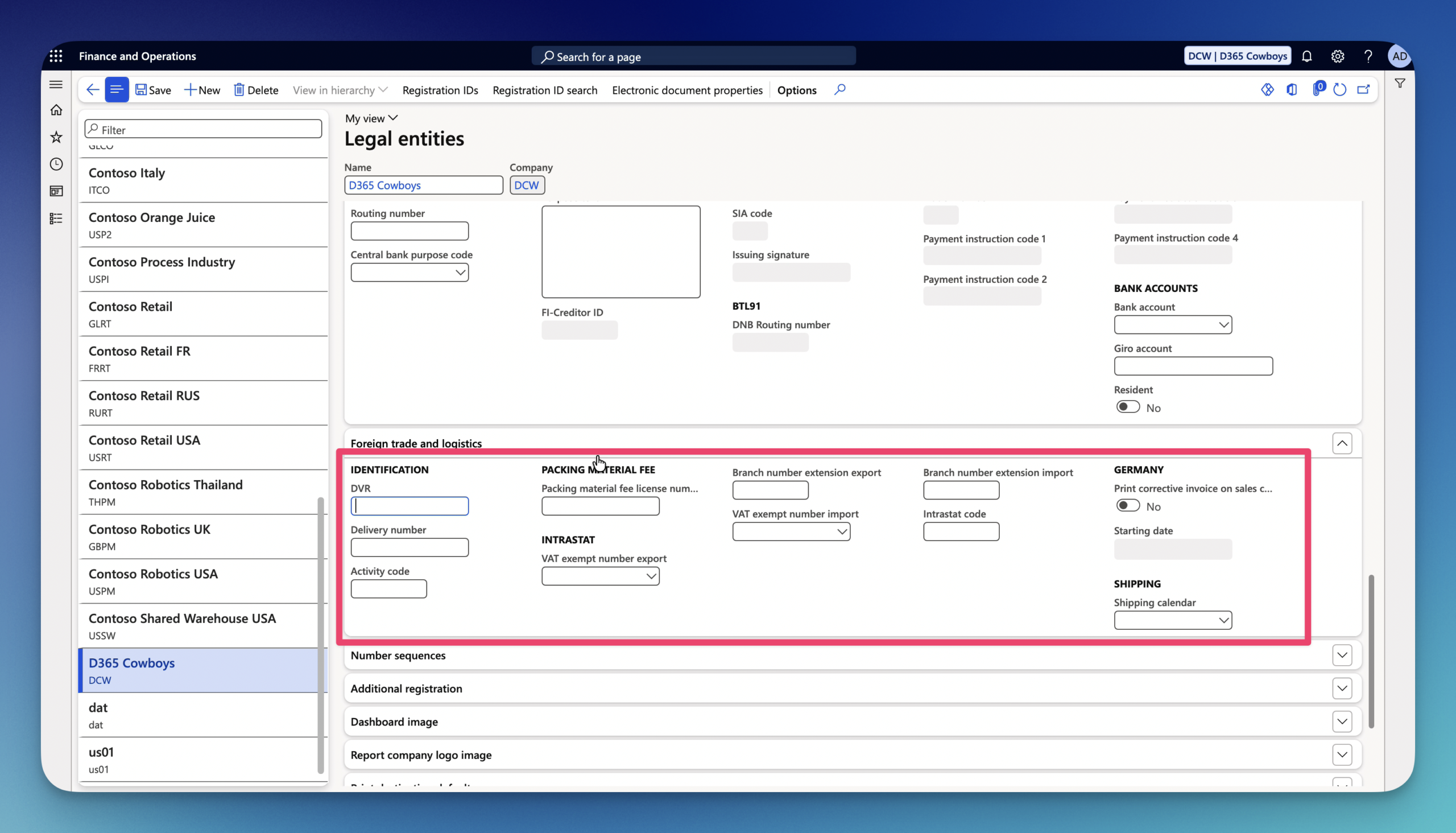
33.Foreign trade and logistics FastTab – defines default tax, statutory, and logistical identifiers used for foreign trade declarations (such as Intrastat and EU Sales Lists) and Electronic Data Interchange (EDI) – This can also be configured in the Tax module.
34.Number sequences FastTab – manages the legal-entity-level unique identifier sequence assigned to the entity itself across system-wide references – we will cover this in the oncoming guides where we will review the Number sequence page.
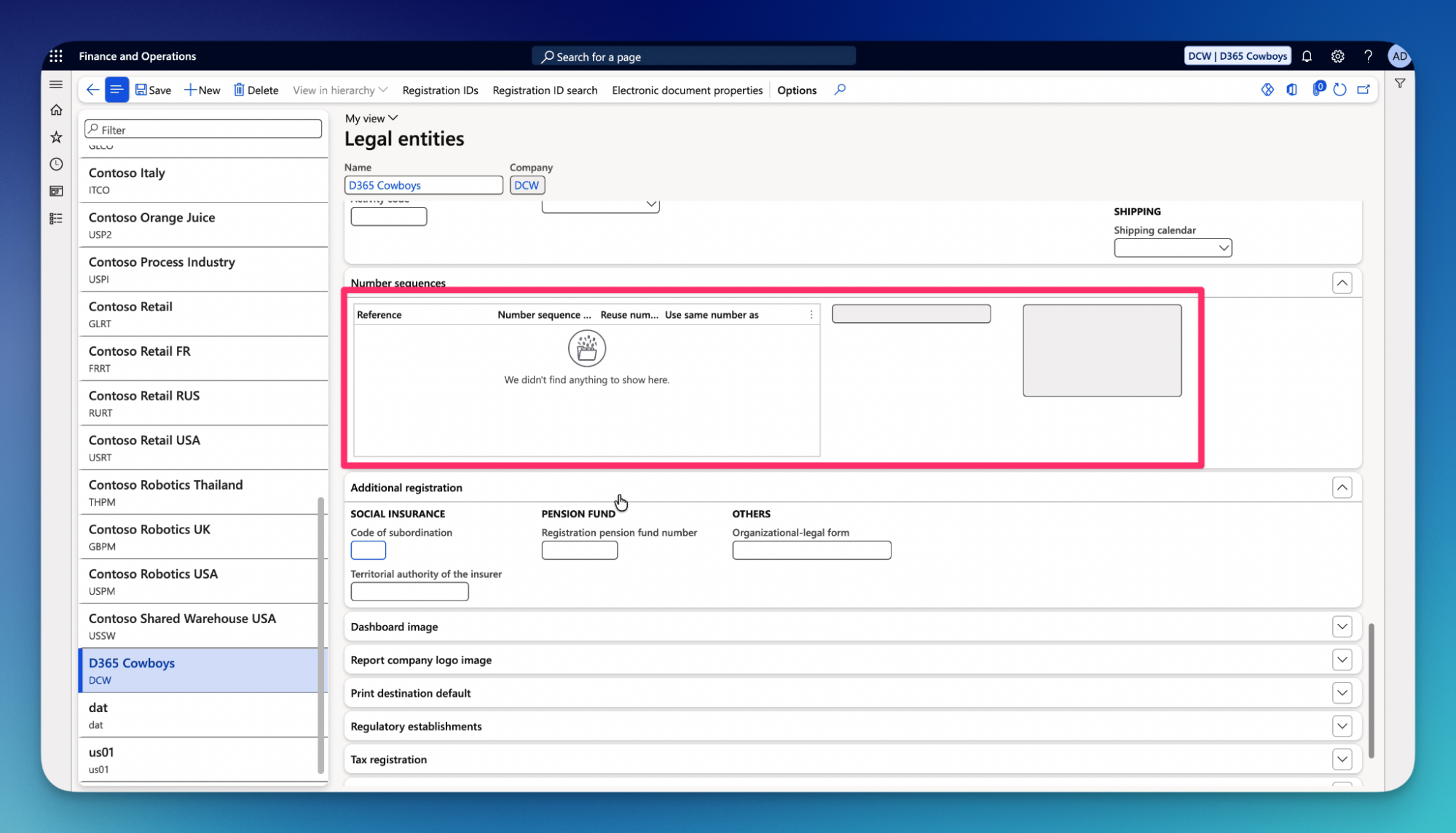
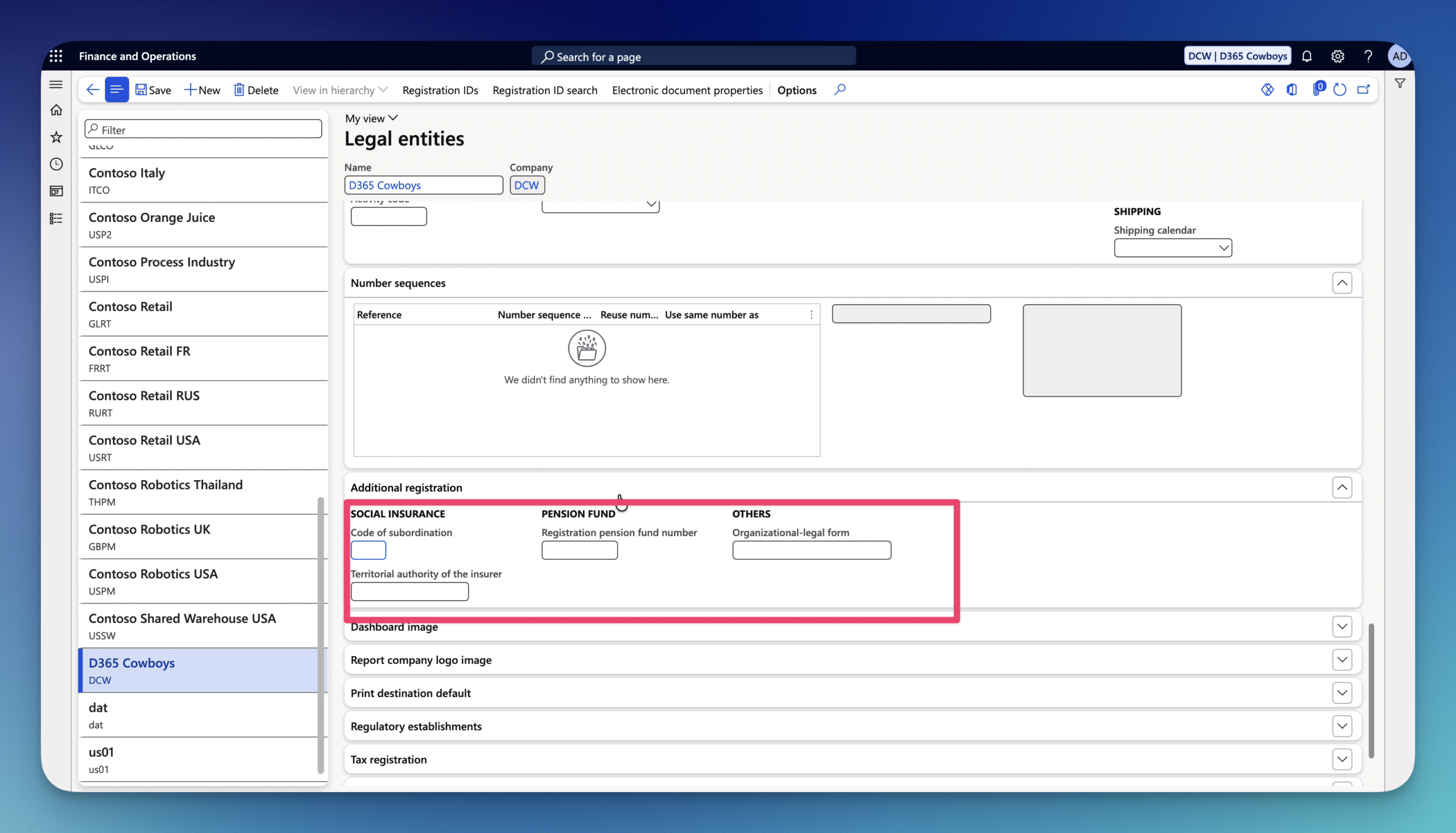
35.Additional registration FastTab – manages country specific statutory identifiers, secondary tax numbers, and local compliance parameters required for localizations and regulatory reporting.
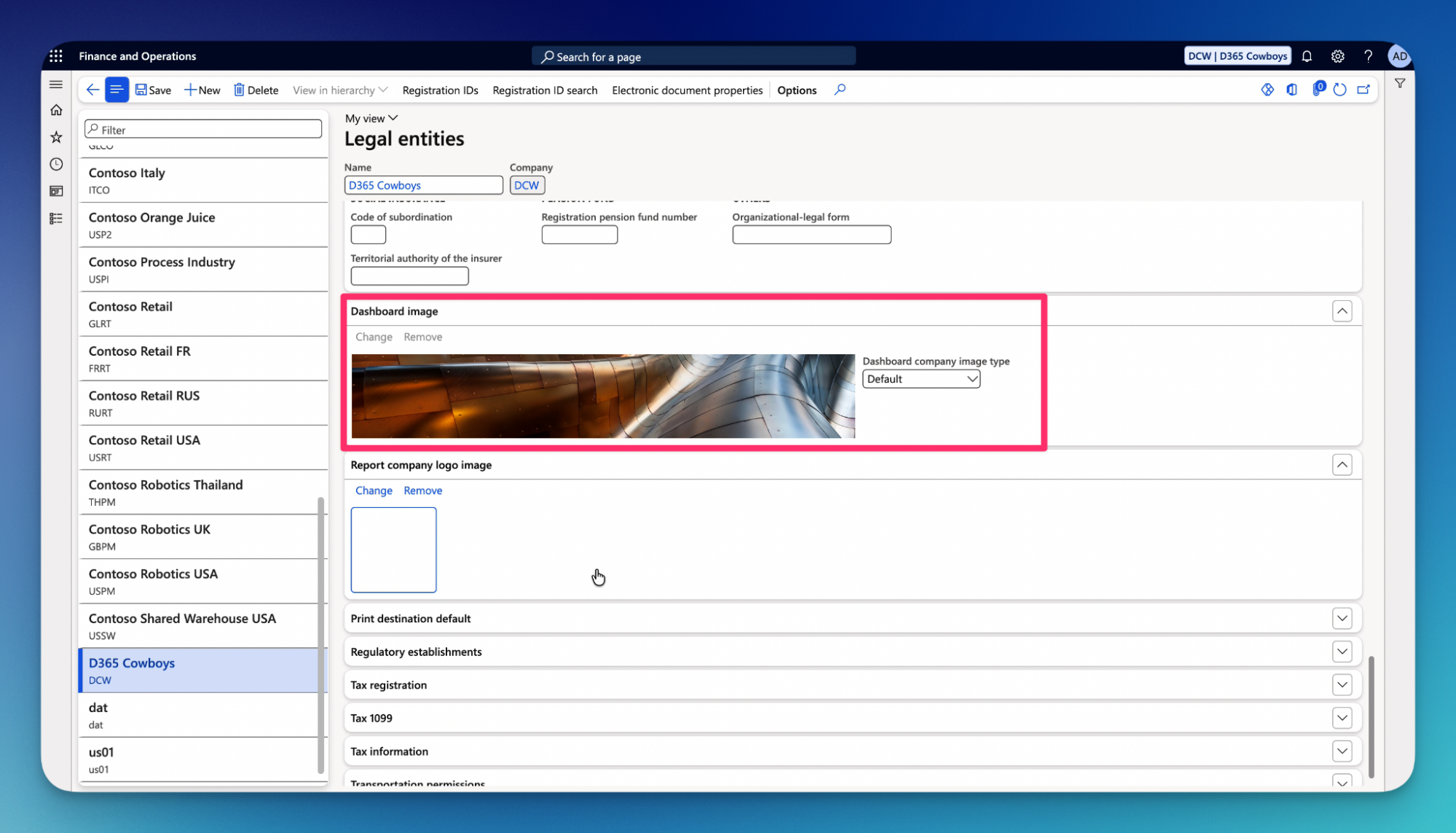
36.Dashboard image FastTab – this is where you can change Company banner in D365.
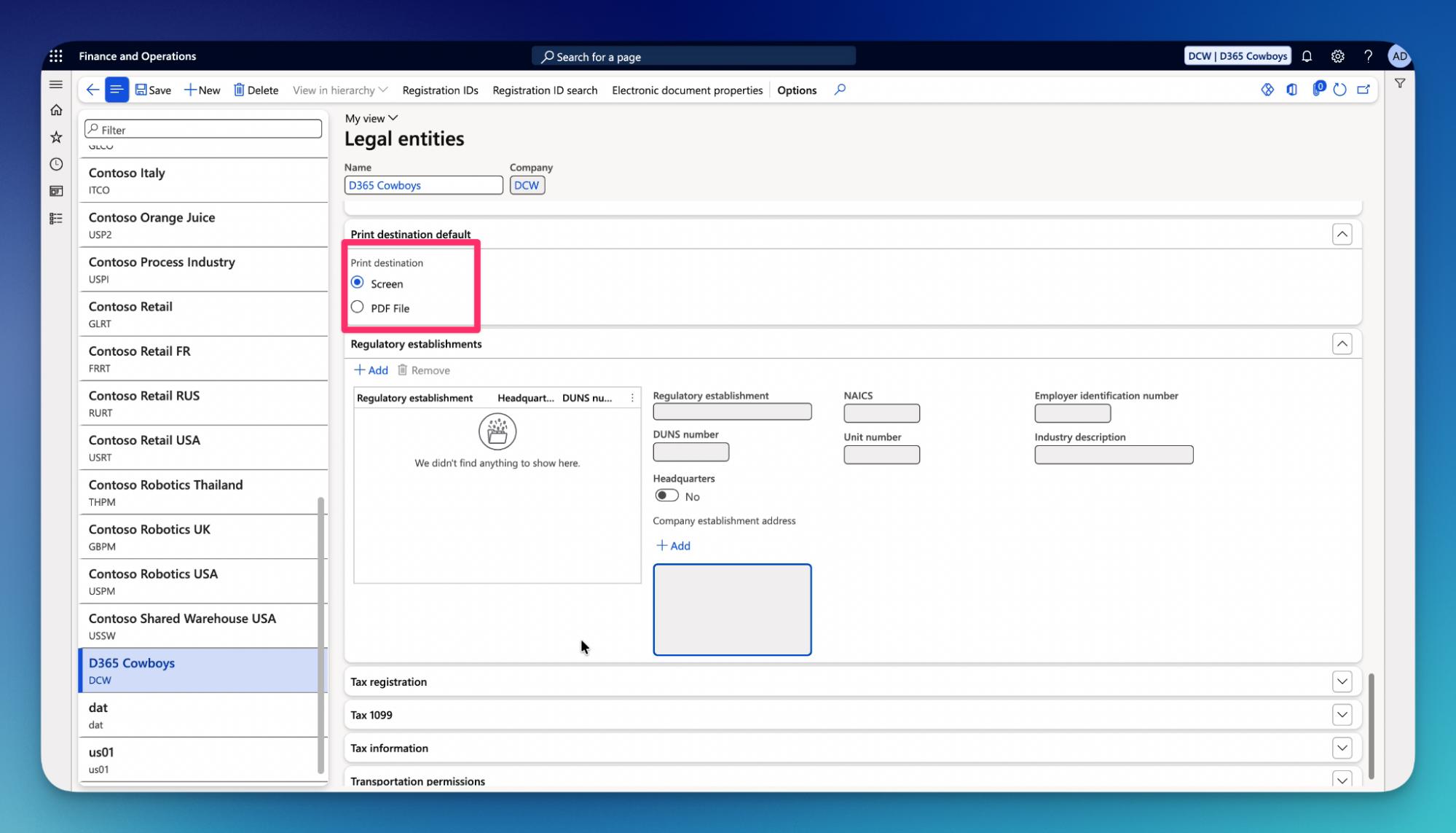
37.Print destination default FastTab – defines the system-wide baseline print destination behavior for non SSRS reports across that specific legal entity.
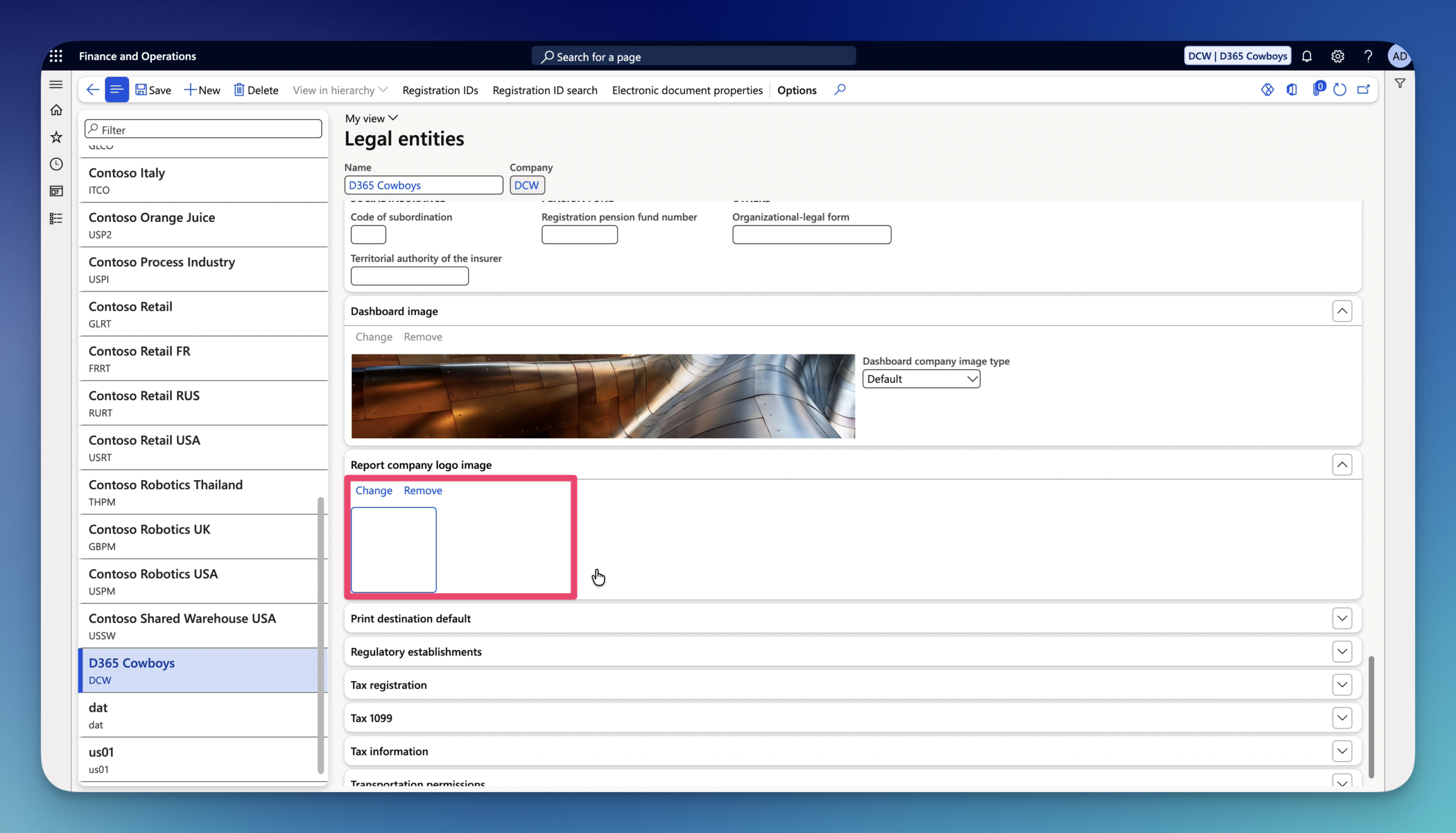
38.Report company logo image – this is where you can change the Report company logo in D365 (SSRS Document Printing).
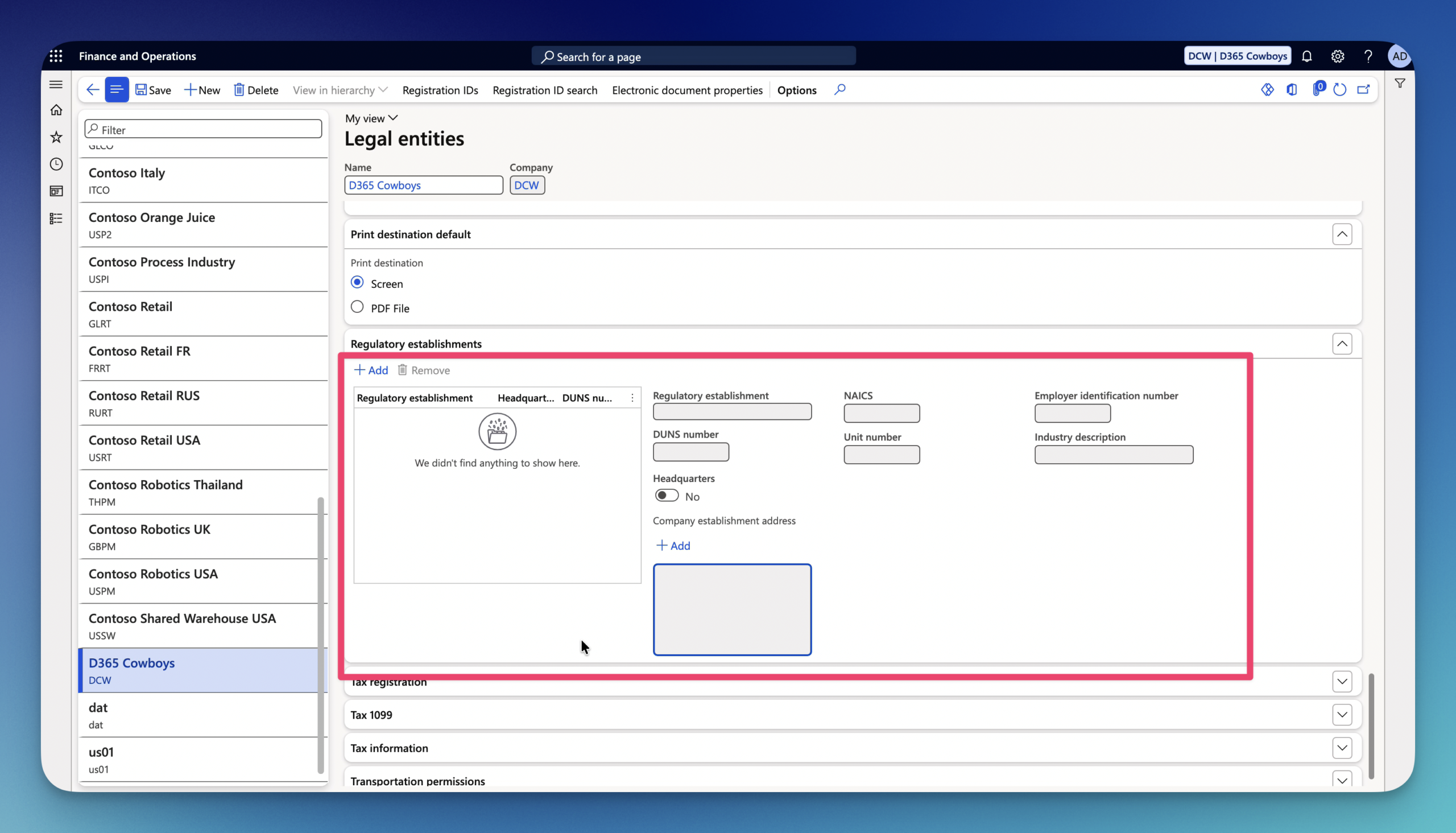
39.Regulatory establishments FastTab – links the main legal entity to specific localized government registration units, operational branches, or statutory establishments required for country-specific reporting.
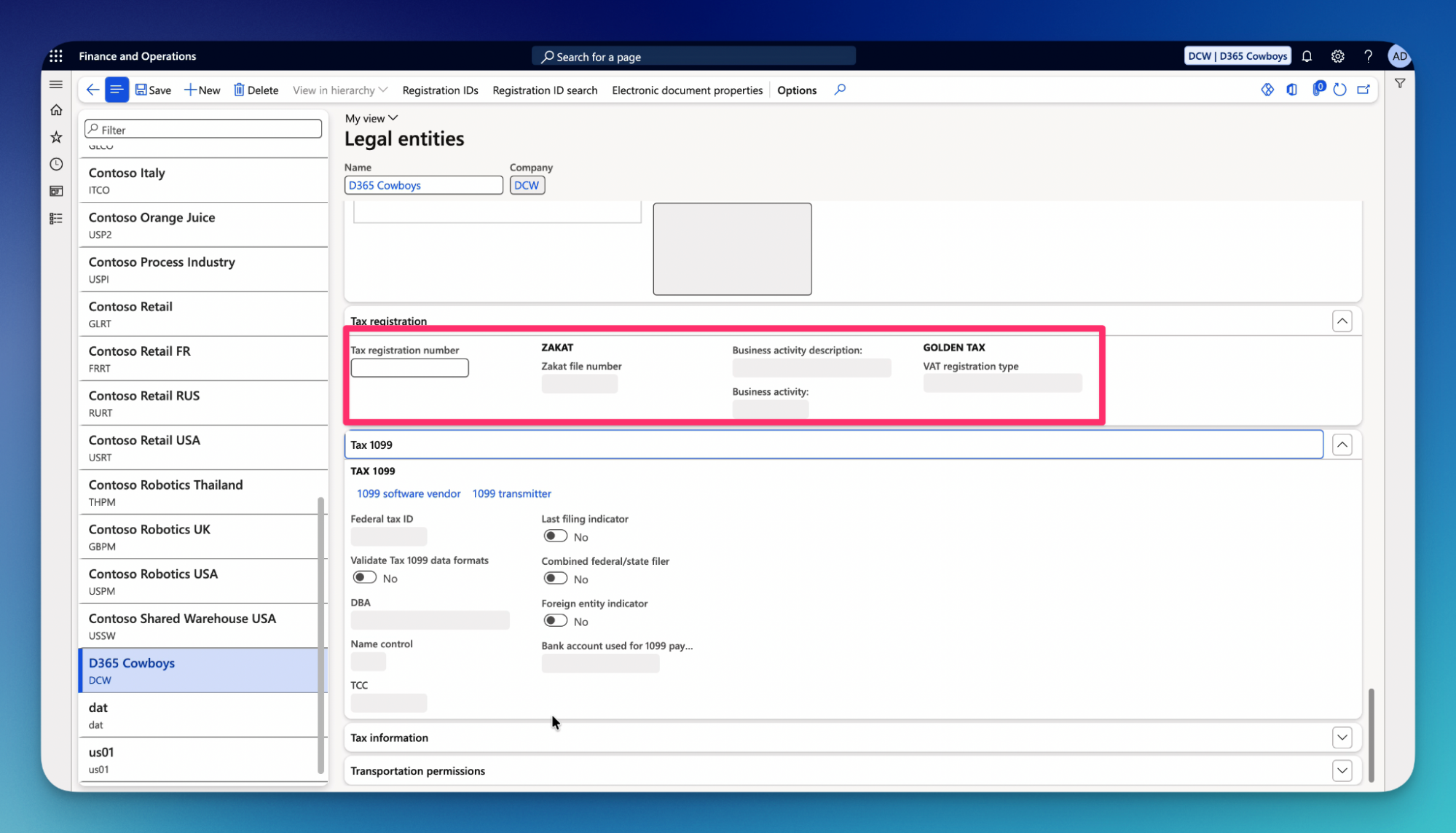
40.Tax registration FastTab – manages tax identification numbers and regulatory tax properties required for tax calculations, statutory tax returns, and official tax invoices – This can be also managed in the Tax module.
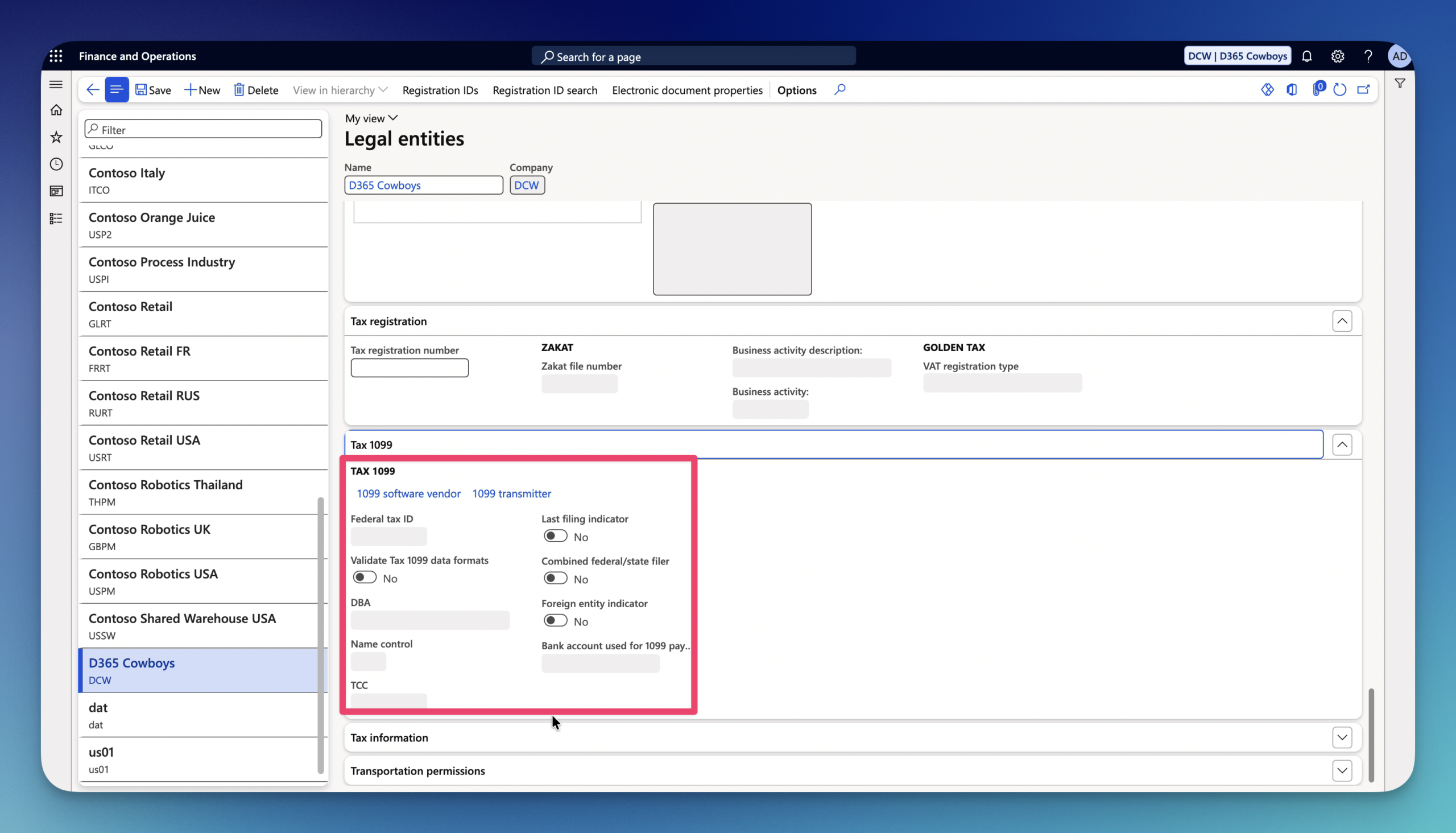
41.Tax 1099 FastTab – configures organization wide parameters for US 1099 tax tracking, electronic filing generation, and year-end reporting to the IRS.
42.Tax information FastTab – country-specific, localized tax details and direct/indirect tax parameters are configured for the legal entity.
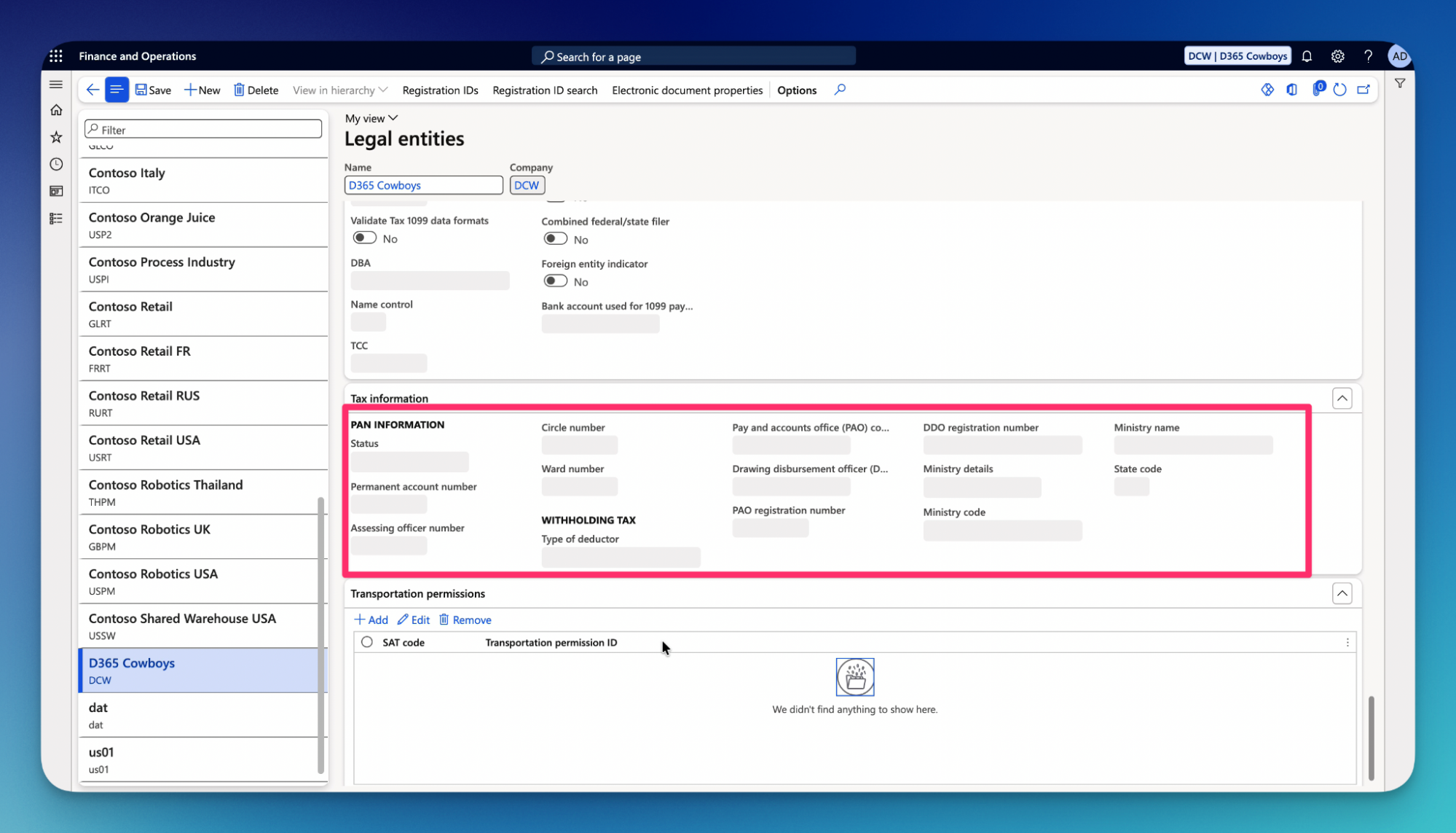
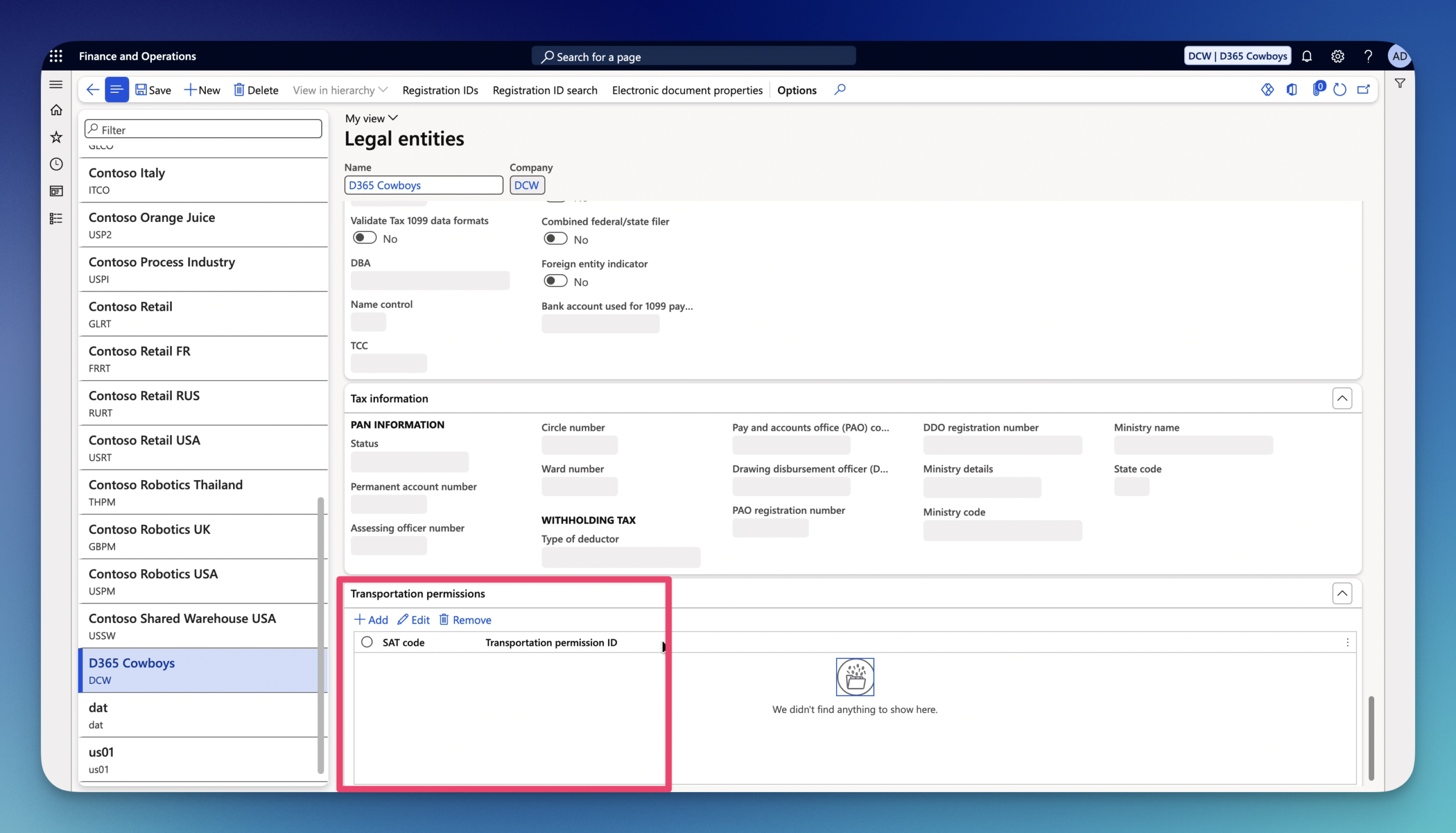
43.Transportation permissions FastTab – is a specialized localization tab used for managing official federal transport licenses and regulatory permits required for shipping goods.
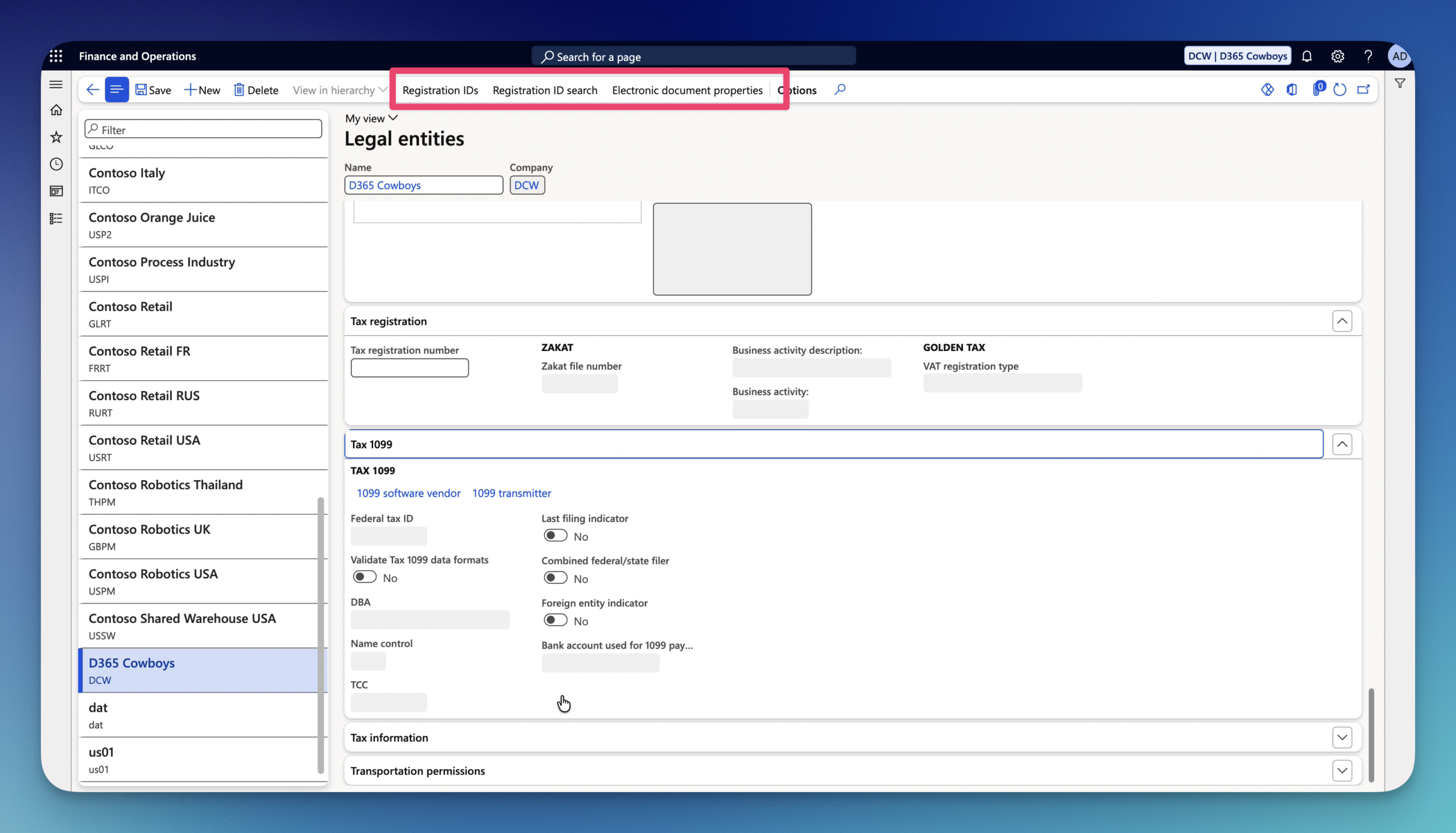
On the top ActionPane you can find 3 more options:
- Registration ID – used to manage legal tax numbers, statutory identifiers, and registration categories assigned to a specific legal entity.
- Registration ID search – global lookup.
- Electronic document properties – adds custom metadata, parameters, and localized tags directly to the legal entity for electronic reporting.
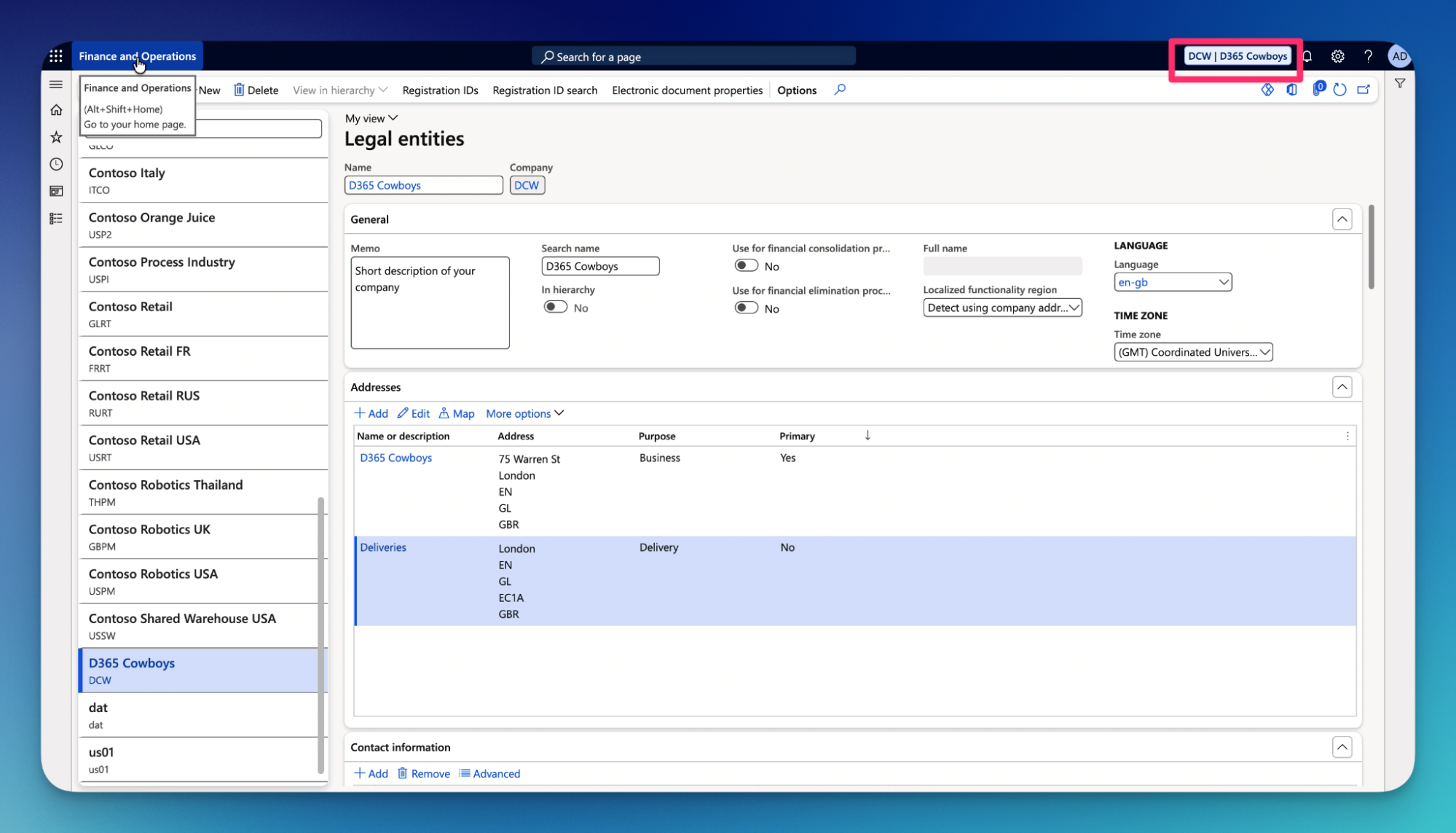
Our Legal entity is now created.
Stay tuned for the next step by step guide for Number sequences!